
Comparison
A Canva resume alternative that passes ATS
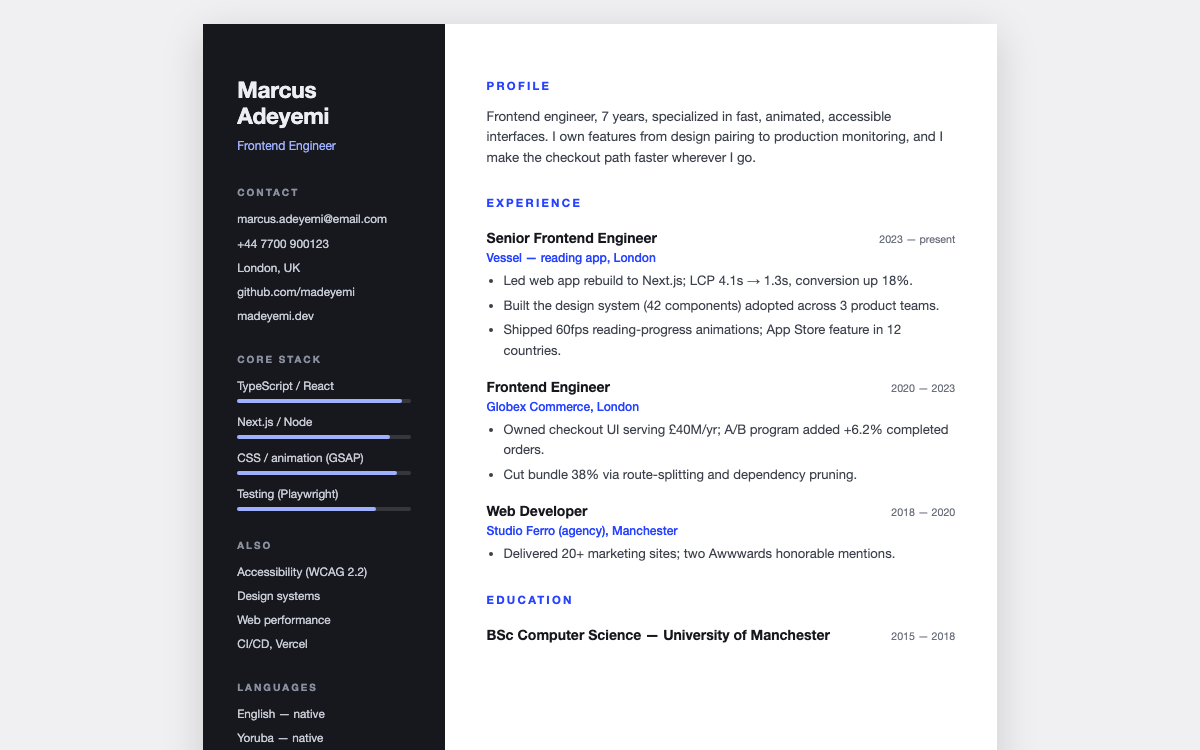
Canva resumes look great, but many designs use columns, graphics, and text boxes that applicant tracking systems read badly, so your resume can be parsed into mush before a human sees it. These templates are designed to look sharp and parse cleanly.
The short answer
The safer alternative to a Canva resume is an ATS-safe template: real text, a clean reading order, and standard headings, exported as a one-page PDF. Canva is fine for creative roles where a human reads every resume; for roles filtered by ATS, use an ATS-safe layout. You can also start free with our resume builder at /tools/resume-builder.
How they compare
| DigitalItUp | Canva resumes | |
|---|---|---|
| ATS parsing | Designed to parse cleanly | Varies; graphic layouts often parse badly |
| Layouts | Classic, two-column, minimal | Thousands of designs |
| Cover letter | Matching template included | Separate design |
| Export | Clean one-page PDF | PDF, sometimes as an image layer |
| Cost | One-time | Free, Pro for some designs |
When Canva resumes is the better choice
Canva is fine for design, illustration, or creative roles where a person reviews your portfolio and resume directly, and visual flair helps. For corporate and tech roles screened by ATS, use an ATS-safe layout.
Frequently asked questions
What does ATS-safe mean?+
The resume uses real, selectable text in a logical order with standard section headings, so applicant tracking software reads it correctly.
How do I edit the templates?+
Edit them in your browser and print to PDF. No design software needed.
Is there a free option?+
Yes - our free resume builder at /tools/resume-builder makes a clean resume with no signup.
Browse the full website template collection or templates by industry.