
19 July 2026
Why Local Browser Tools Beat Cloud Apps for Privacy
By Abhishek V K · Founder, DigitalItUp
The short answer
Local browser tools store and process data entirely on your device, so nothing is uploaded, no account exists to breach, and the tool keeps working offline and after any company shuts down. Cloud apps require trusting a vendor's security, retention policy, and business model with your data. For personal and small-business data like invoices, rates, and habits, local-first single-file apps eliminate that entire risk class while removing subscription costs.
Every cloud app is a bet that a company you cannot audit will protect your data, keep its servers running, and not change its pricing or terms. For collaboration software that bet is often worth it. For a habit tracker or an invoice generator, it rarely is, because the browser on your own machine can do the whole job.
What does local-first actually mean?
A local-first browser tool is typically a single HTML file. You open it, and all logic runs in your browser; data is saved to your device via local storage or exported files. There is no server round-trip, which means there is no server copy of your data, no login to phish, and no database to breach. It also means the tool works on a train, in a power cut at the cafe, or ten years from now.
When do local tools beat cloud apps?
- The data is sensitive and single-user: finances, rates, health habits, client billing.
- You need it to work offline and load instantly.
- You want a one-time cost instead of a subscription that outlives your usage.
- You do not want your usage tracked or your data monetized.
- Longevity matters: a file you own cannot be discontinued.
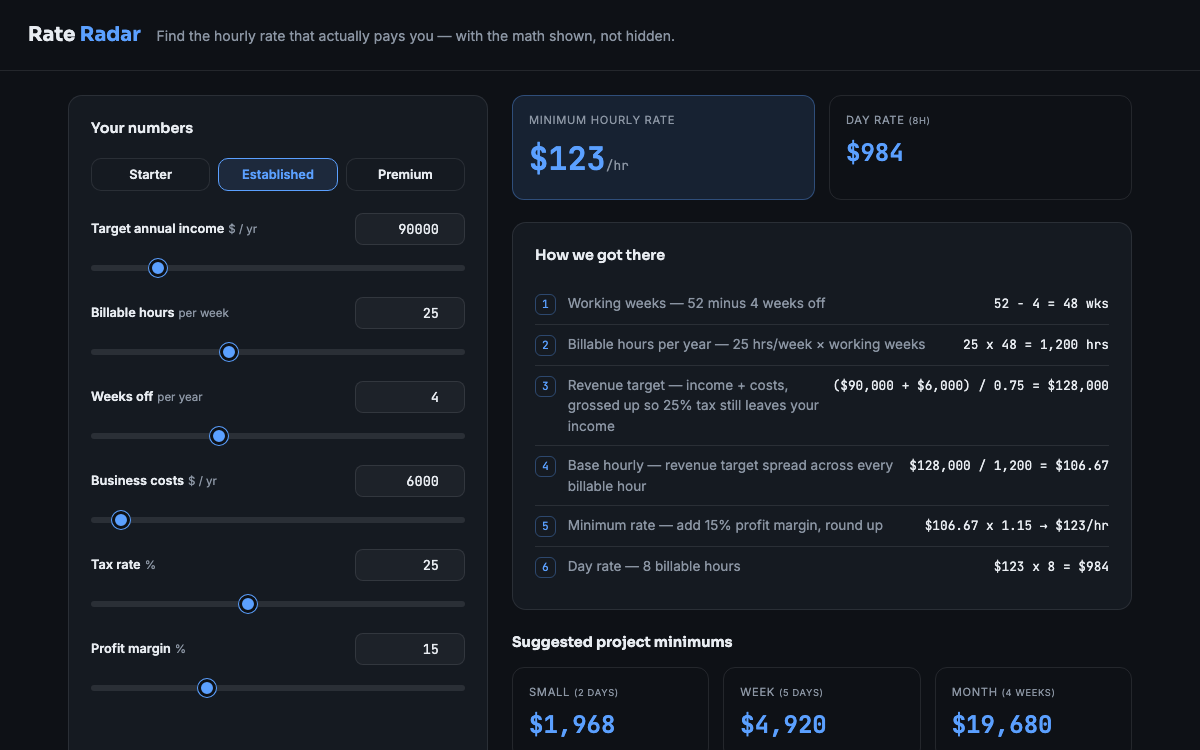
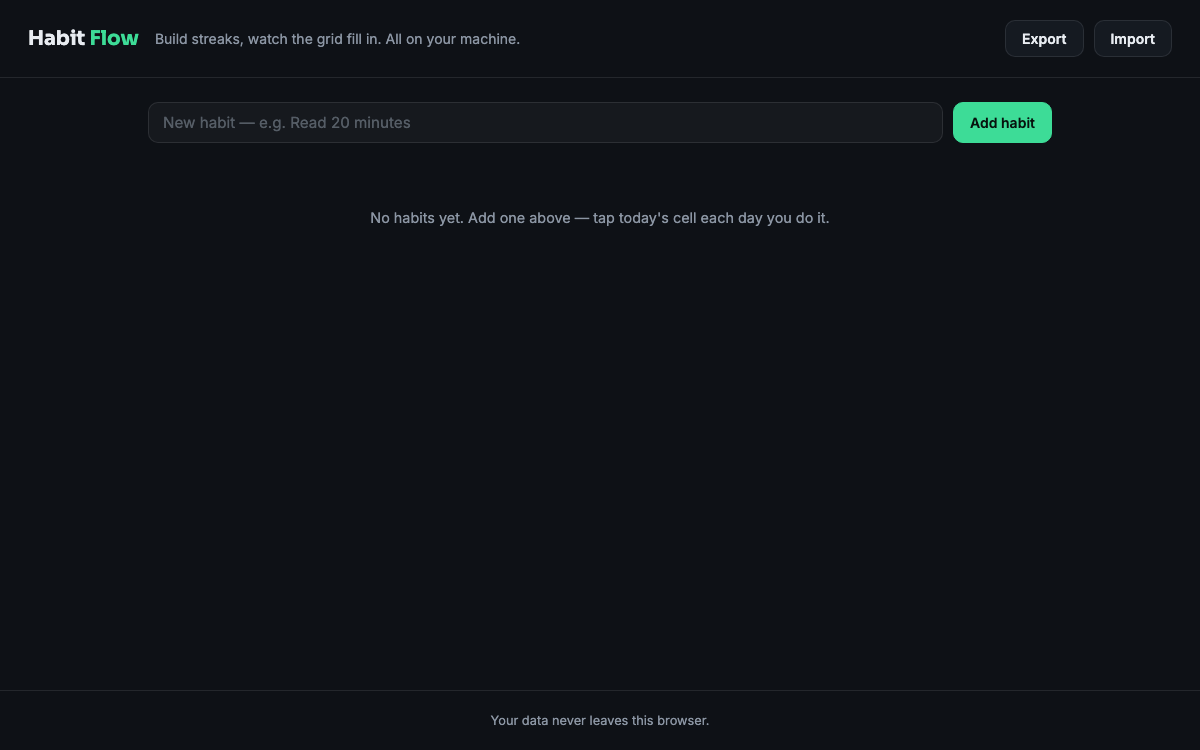
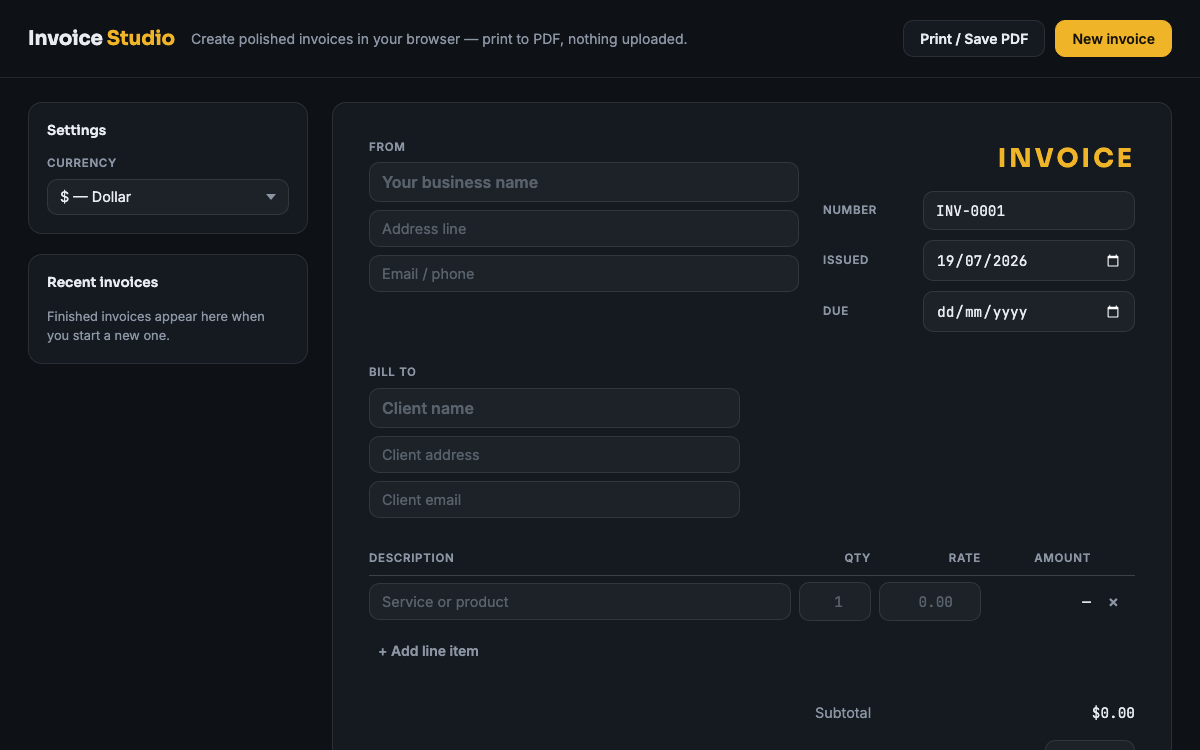
The pattern is easiest to see in real tools. Invoice Studio generates professional invoices entirely in-browser, so client names and amounts never leave your machine. Rate Radar does the same for freelance rate calculations, and Habit Flow for daily tracking. Each is one file, bought once, no account. Cloud apps still win for team collaboration and cross-device sync, but for private working data, local-first is the stronger default.
Put this into practice
All products →The tools and templates behind this guide - instant download, yours forever.
 Software
Rate Radar
A freelance rate calculator that shows its work - defend your rate in any client call.
 Software
Habit Flow
A habit tracker with streaks and a GitHub-style year heatmap - in one HTML file.
 Software
Invoice Studio
A complete invoice generator in one HTML file. No account, no subscription.