
19 July 2026
Freelance Payment Terms That Get You Paid on Time
By Abhishek V K · Founder, DigitalItUp
The short answer
Payment terms that get you paid on time: an advance before work starts (30–50% is standard), milestone payments tied to deliverables rather than calendar dates, invoices sent the same day a milestone completes, due-on-receipt or net-7 terms instead of net-30, a late fee named in the contract, and final files released only after final payment clears. Every term goes in writing before the project starts - terms invented mid-project are just requests.
Why do freelancers get paid late by default?
Because the default terms are whatever the client's accounts process prefers, and that process is built to delay outflows. If you never state terms, you inherit net-30-that-becomes-net-60. Payment behaviour is set by structure, not by client virtue - the same client who pays a vague freelancer in eight weeks pays a structured one on receipt, because the structured one made lateness visible and slightly costly.
The terms that do the work
- Advance of 30–50% before any work begins - non-negotiable, and a screening tool in itself
- Milestones tied to deliverables: 'on homepage approval', not 'on the 15th'
- Invoice immediately on milestone completion - every day of delay in sending is a day added to payment
- Due on receipt or net-7; agree net-15 only for genuine corporate processes
- A named late fee (even a modest one) - its existence matters more than its size
- Final deliverables, source files, and handover transfer only after the last payment clears
The final-files rule is your quiet leverage. It never needs to be wielded aggressively; it simply means the project's natural ending includes payment, rather than payment being an optional epilogue.
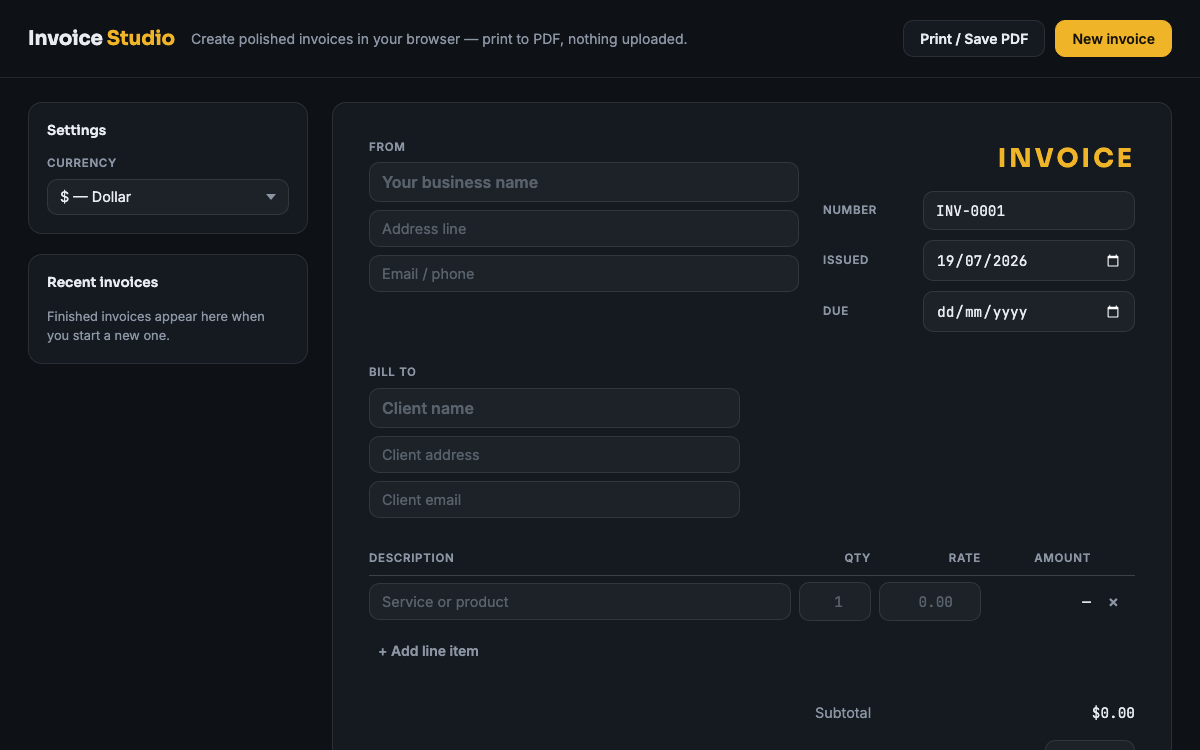
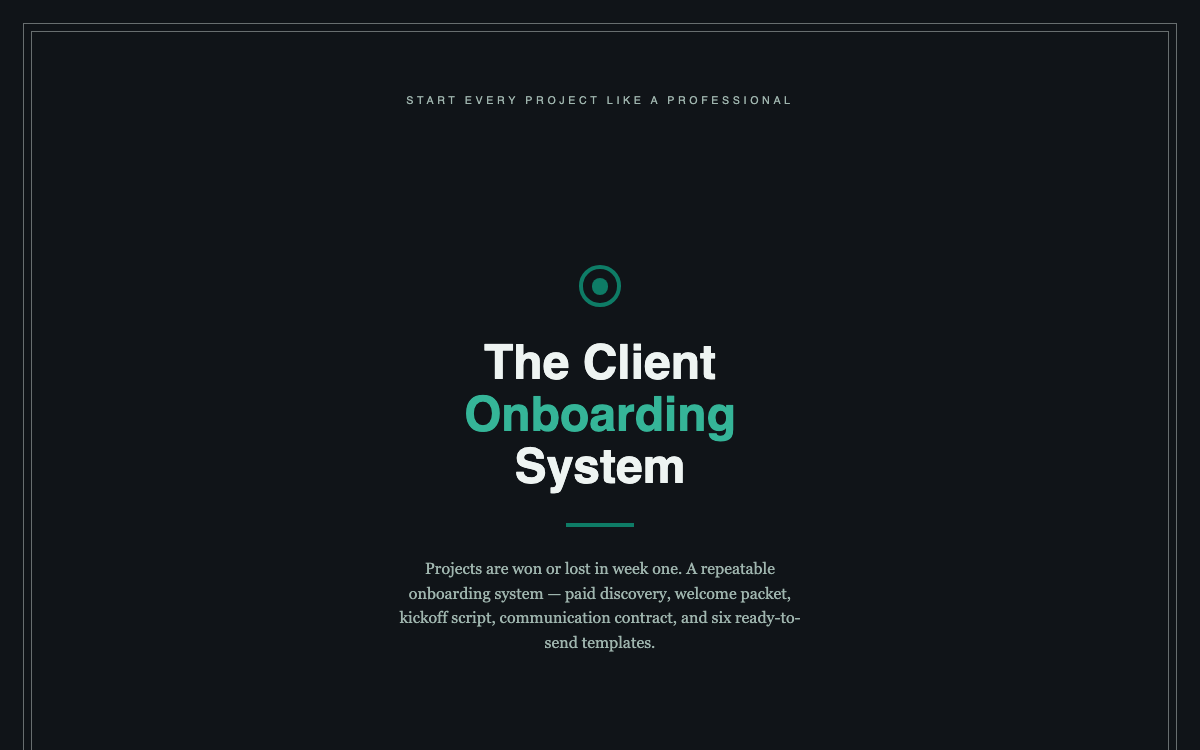
Making this frictionless is on you: put the terms in the proposal, repeat them in the agreement, and honour them yourself - invoice instantly and accurately every single time. Domestic Indian clients can pay by UPI in seconds when your invoice makes it easy. Invoice Studio generates professional invoices in your browser the moment a milestone lands, and the Client Onboarding Guide shows how to establish the whole payment rhythm in week one, when the client is most receptive to process. Terms stated early feel like professionalism; terms stated after an unpaid invoice feel like a dispute.
Put this into practice
All products →The tools and templates behind this guide - instant download, yours forever.
 Software
Invoice Studio
A complete invoice generator in one HTML file. No account, no subscription.
 Ebook
EbookThe Client Onboarding System
Turn the first week of every client project into a calm, repeatable system.
 SoftwareBeta
QuietScribe (Beta)
Private meeting notes for Mac - transcripts, summaries and action points, processed on your Mac.