
19 July 2026
How to add scroll animations to a website: a GSAP beginner's path
By Abhishek V K · Founder, DigitalItUp
The short answer
To add scroll animations to a website, use GSAP with its ScrollTrigger plugin: GSAP animates properties, ScrollTrigger fires or scrubs those animations based on scroll position, and Lenis smooths the scroll itself. Learn in this order: tweens → timelines → ScrollTrigger's two modes (play-on-enter vs scrub) → pinning → horizontal galleries. Those five patterns cover nearly every 'expensive-looking' website effect.
The stack: GSAP + ScrollTrigger + Lenis
GSAP is the animation engine, ScrollTrigger connects animations to scroll position, and Lenis replaces the browser's raw scroll with a smooth, interruptible one. All three load from a CDN - no build step - which is why they power most award-winning marketing sites.
The five signature patterns
- Entrance timeline: masked text reveals when the page loads.
- Play-on-enter: sections animate in once as they enter the viewport.
- Scrub: animation progress tied directly to scroll position.
- Pinning: a section holds still while content progresses inside it.
- Horizontal gallery: vertical scroll drives a sideways showcase.
The two mistakes that make animation feel cheap
Animating everything (motion loses meaning when nothing holds still) and ignoring prefers-reduced-motion (which real users rely on). Premium sites animate a few load-bearing moments and disable gracefully.
Where to learn it hands-on
Our Scroll Animation Mastery course teaches exactly these patterns in 7 modules with runnable demo pages, and every template in the bundle is a working example you can view-source. For the full design-build-sell arc, the Premium Website Masterclass includes this as its middle third.
Put this into practice
All products →The tools and templates behind this guide - instant download, yours forever.
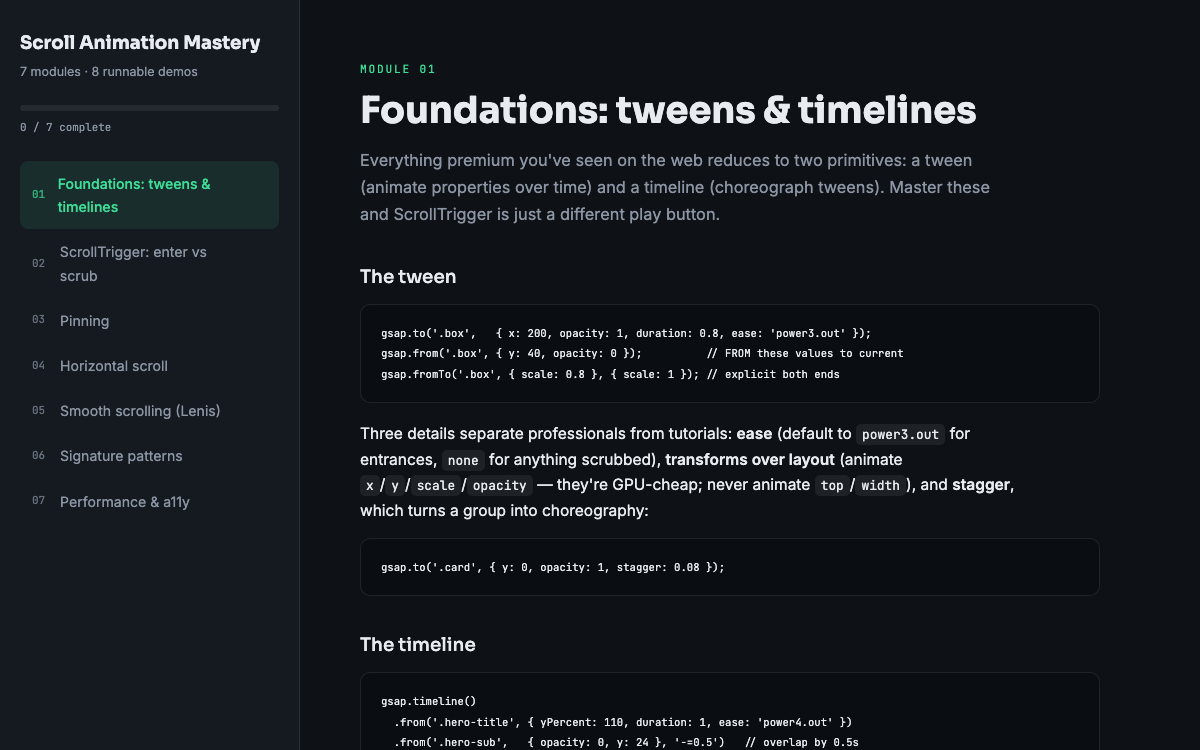 Guide
GuideScroll Animation Mastery
GSAP, ScrollTrigger, and Lenis - the five patterns behind every expensive-looking site.
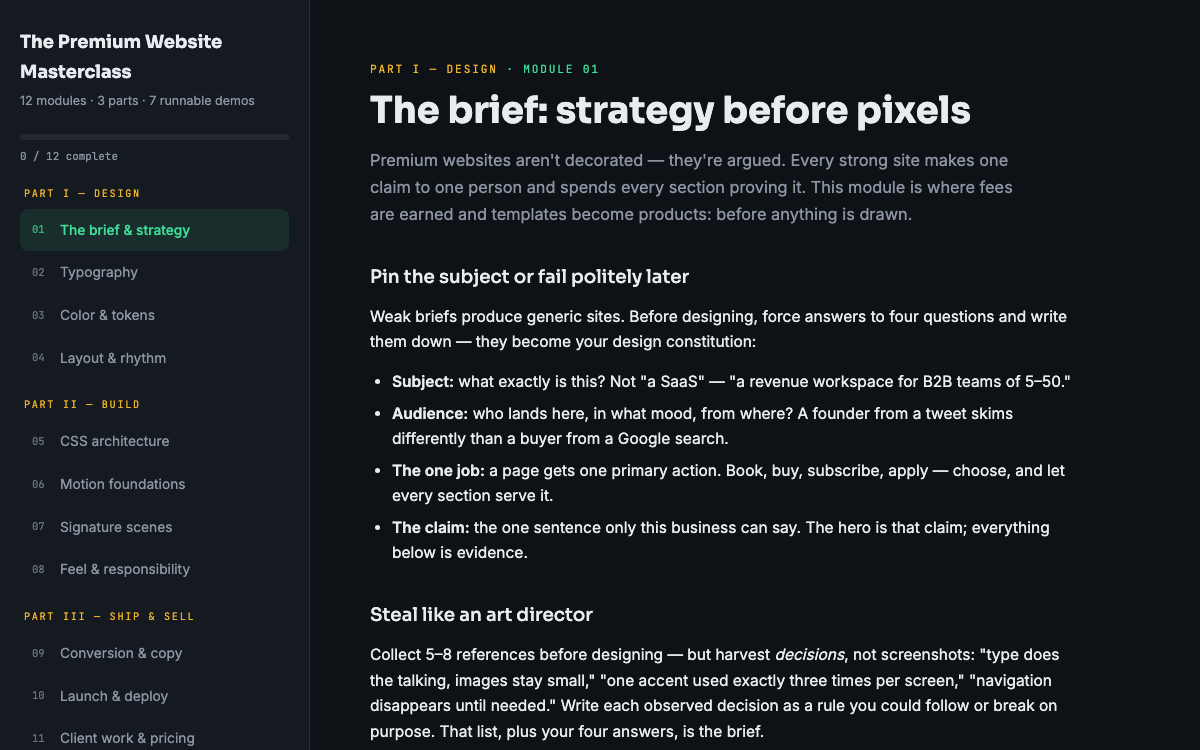 Guide
GuideThe Premium Website Masterclass
Design, build, animate, and sell premium websites - 12 modules, 3 parts, 7 runnable demos.
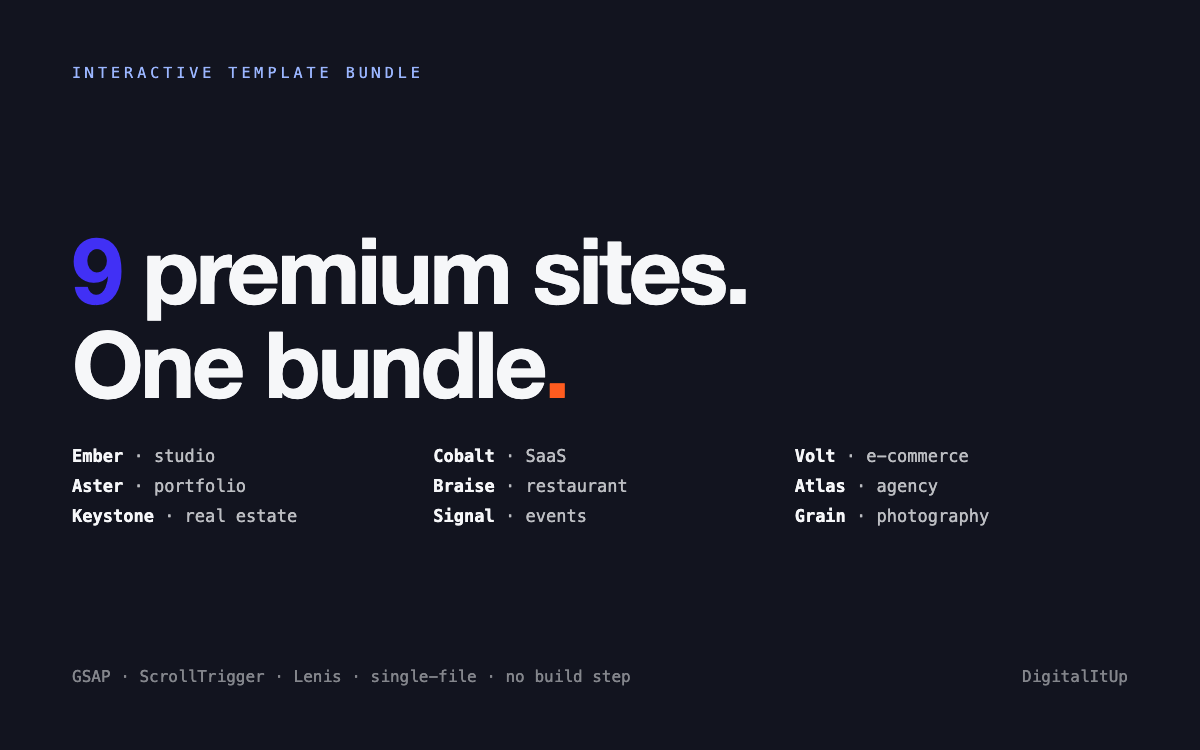 Template
Interactive Template Bundle - All 9 Templates
Every premium template in one bundle - 9 sites for less than the price of 5.