
3 September 2026
How to Track Freelance Income and Expenses (The Simple Spreadsheet System)
By Abhishek V K · Founder, DigitalItUp
The short answer
The simplest way to track freelance income and expenses is one spreadsheet with three tabs - income, expenses, and invoices - feeding a single dashboard that shows your real profit, who still owes you, and how much tax to set aside. Update it weekly in five minutes and you'll never be surprised at tax time or chase a forgotten invoice again. You can build it yourself, or start from a ready-made finance tracker that already has the formulas built in.
If you freelance, your accounting probably lives in three places at once: a banking app, a folder of PDF invoices, and the back of your head. That works right until tax season - or the month a big client quietly forgets to pay and you don't notice for six weeks. Learning to track your freelance income and expenses in one place is the difference between guessing at your numbers and actually running a business.
Why tracking income and expenses matters more than you think
It isn't about being tidy. Tracking your money properly protects your income in four concrete ways:
- Taxes stop being a shock. When you know your profit at any moment, you can set the right amount aside as you earn instead of scrambling in a panic later.
- You catch unpaid invoices. Freelancers routinely lose real money to invoices that slip through the cracks. A tracker flags them the moment they are overdue.
- You keep every deduction. Software, ads, that course you bought - every logged expense is money you don't pay tax on. Untracked expenses are a silent overpayment.
- You actually know your profit. Revenue isn't income. The number that matters is what's left after expenses, and most freelancers can't say it off the top of their head.
The 3-part system every freelancer needs
You don't need accounting software with a monthly fee. A single spreadsheet with three simple logs, feeding one dashboard, covers everything a solo freelancer or small business needs:
- An income log - every payment in: date, client, amount, category, and whether it's paid.
- An expense log - every cost out: date, vendor, amount, category, and whether it's tax-deductible.
- An invoice tracker - who owes you, how much, and when it's due, so nothing gets forgotten.
- A dashboard that reads those three logs and shows your profit, margin, monthly trend, and tax to set aside - automatically.
How to set it up in a spreadsheet, step by step
Here's how to build the system yourself in Excel or Google Sheets:
- Create three tabs - Income, Expenses, and Invoices - each with clear column headers.
- Add a Category column on each tab and use a drop-down list so your data stays consistent (Software, Advertising, Client Work). Consistent categories are what make your totals meaningful.
- Add a Status column to invoices - Paid, Unpaid, Overdue - and use conditional formatting to turn unpaid rows red so they're impossible to ignore.
- Build a Dashboard tab that pulls it together with SUMIFS formulas: total income, total expenses, net profit, and a month-by-month breakdown.
- Add a tax cell: multiply your net profit by the percentage you need to set aside, and you'll always know your tax number at a glance.
The shortcut: a done-for-you finance tracker
Building this from scratch takes a few hours and some comfort with spreadsheet formulas. If you'd rather skip straight to using it, the Freelance & Small-Business Finance Tracker is the exact system above, already built. Every formula, drop-down, and dashboard is done - you just type your numbers.
- Works in Excel and free in Google Sheets - any currency.
- Comes with a filled demo copy so you can see it working, plus a clean blank copy for your own numbers.
- Auto dashboard: profit, margin, 12-month trend, tax set-aside, and expense-by-category totals.
- Invoice tracker that flags Unpaid and Overdue rows automatically.
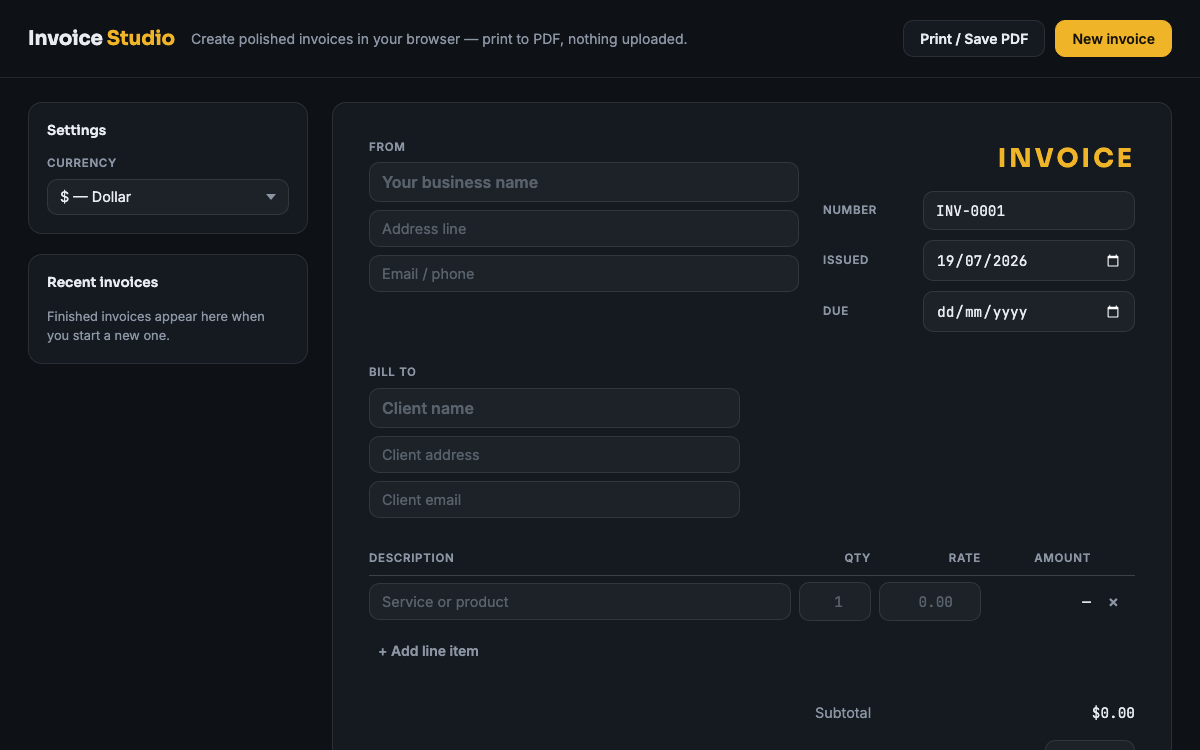
It pairs well with the freelance pricing guide if you're also rethinking your rates, and Invoice Studio for creating the invoices you'll track here.
How much should a freelancer set aside for taxes?
A common rule of thumb is to set aside 25-30% of your net profit for taxes, though the exact figure depends on your country, income level, and any registrations such as GST in India. The safest approach: pick a percentage on the higher side, move that share into a separate account every time you get paid, and reconcile once you know your actual liability. A tracker that calculates this for you removes the guesswork - you watch the number update as you log income.
Common money-tracking mistakes freelancers make
- Waiting until tax season. Reconstructing a year of transactions from memory guarantees missed deductions and errors.
- Mixing personal and business money. Even one dedicated account or card makes tracking ten times easier.
- Tracking revenue but not expenses. Half a picture is worse than none - you'll overestimate what you can actually spend.
- Ignoring unpaid invoices. Money owed isn't money earned until it lands. Track due dates and follow up the moment one is late.
Do I need Excel, or does Google Sheets work?
Either works. Google Sheets is free and runs in your browser - you can upload an Excel template to Google Drive and open it as a Sheet with every formula intact. Excel is better if you prefer working offline. A good template supports both, so you're never locked into one app.
Tracking your freelance income and expenses isn't complicated - it just needs one place that does the math for you. Set up the three-tab system above, or start with the ready-made Finance Tracker and be up and running in five minutes.
Put this into practice
All products →The tools and templates behind this guide - instant download, yours forever.
Freelance & Small-Business Finance Tracker
Know your profit, taxes, and unpaid invoices at a glance — no formulas to write.
 Software
Invoice Studio
A complete invoice generator in one HTML file. No account, no subscription.
 Ebook
EbookCharge More - The Freelance Pricing Guide
For freelancers who are underpricing and know it.