
19 July 2026
3D Websites: WebGL vs CSS 3D, When to Use Each
By Abhishek V K · Founder, DigitalItUp
The short answer
Use WebGL (via Three.js) when you need real 3D geometry, lighting, or interactive models, product configurators, immersive scenes, and depth that responds to the camera. Use CSS 3D when you want depth as decoration: rotating cards, layered parallax, and tilt effects that stay light and battery-friendly. WebGL is more powerful but heavier; CSS 3D is simpler and renders everywhere. Match the tool to the effect, not the hype.
What is the real difference between WebGL and CSS 3D?
WebGL renders a true 3D scene on the GPU, meshes, materials, lights, and a movable camera, so it can show anything from a spinning product to a full interactive world. CSS 3D transforms 2D elements in 3D space using properties like perspective and rotateY. It is not real geometry, but it delivers convincing depth with almost no overhead. The rule of thumb: if the effect needs to look at an object from any angle, that is WebGL; if it just needs to feel deep, CSS handles it.
When should you choose WebGL?
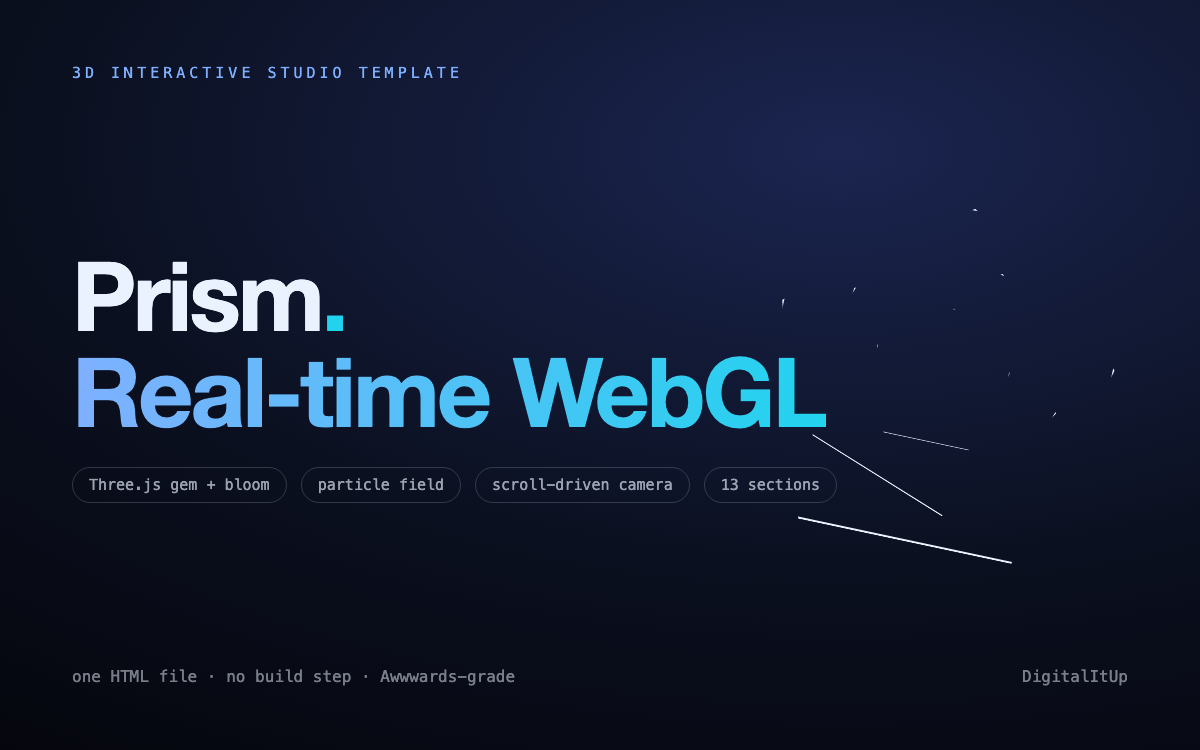
Reach for WebGL when the 3D is the point, agency showcases, product hero sections with rotatable models, or scenes users explore. The Prism 3D template is built on Three.js and gives you a WebGL hero out of the box in a single HTML file, so you get the wow factor without wiring up a render loop yourself. The trade-off is weight: WebGL scenes are larger and lean harder on the GPU, so test on mid-range phones before you ship.
When is CSS 3D the smarter call?
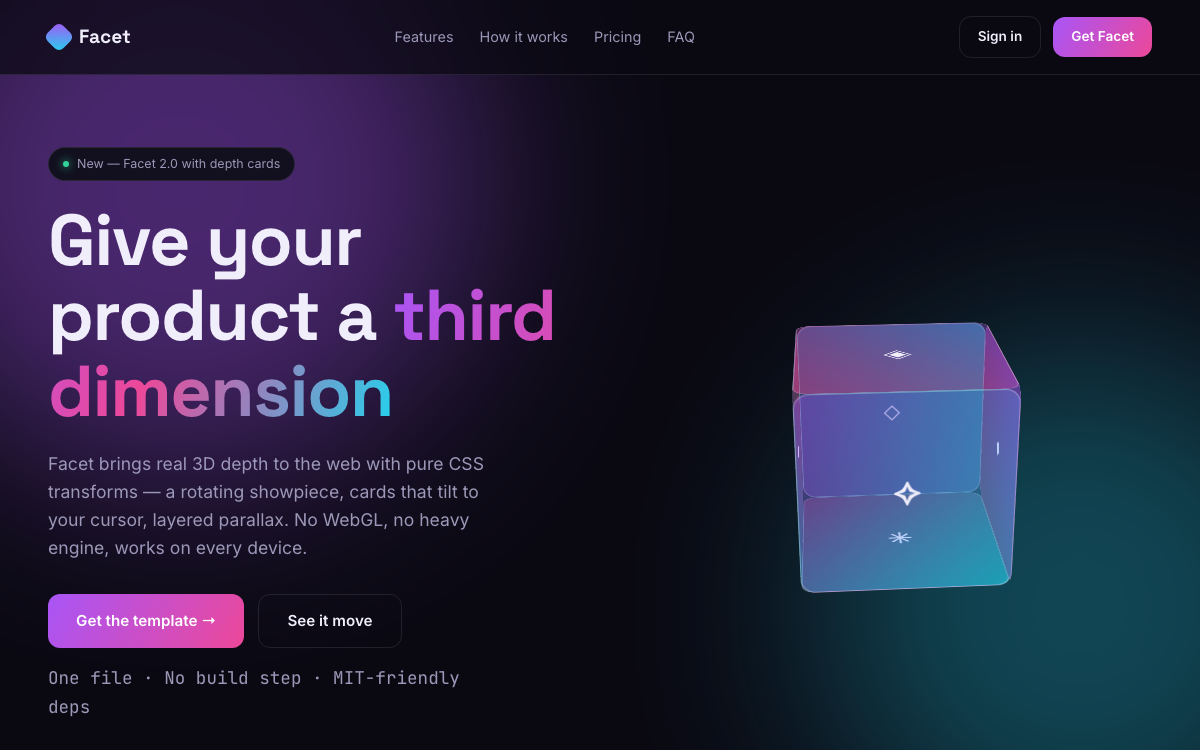
If you want tasteful depth, cards that tilt, panels that rotate, layers that shift on scroll, without shipping a 3D engine, CSS 3D wins. The Facet 3D template uses pure CSS to create 3D effects, so it stays fast, works on low-end devices, and needs no WebGL support. It is ideal for portfolios and product pages where 3D is flavour rather than function.
- Choose WebGL: rotatable models, immersive scenes, configurators
- Choose CSS 3D: tilt cards, parallax layers, decorative depth
- Always test performance on real mid-range mobile hardware
- Respect reduced-motion preferences for accessibility
Put this into practice
All products →The tools and templates behind this guide - instant download, yours forever.
 Template
Facet - 3D Product / Agency Template
Real 3D depth with pure CSS - a rotating cube and cursor-tilt cards, no WebGL.
 Template
Prism - 3D Interactive Studio Template
An Awwwards-grade real-time WebGL gem centerpiece - in one HTML file.
 SoftwareBeta
QuietScribe (Beta)
Private meeting notes for Mac - transcripts, summaries and action points, processed on your Mac.