
19 July 2026
How Do You Keep Web Animations at 60fps?
By Abhishek V K · Founder, DigitalItUp
The short answer
Animations stay at 60fps when each frame's work fits inside 16.7 milliseconds. In practice: animate only transform and opacity, which skip layout and paint; never animate width, height, top, or left; use will-change sparingly to promote genuinely heavy layers; batch DOM reads and writes to avoid layout thrashing; and keep scrubbed ScrollTrigger animations transform-only. Test on a mid-range phone or with CPU throttling, not on a fast desktop.
At 60 frames per second, the browser has 16.7 milliseconds to produce each frame. Blow that budget and the animation stutters. Almost every janky site breaks the same few rules, which means smoothness is mostly about knowing what not to animate.
Why transform and opacity are special
Changing an element's width, top, or margin forces the browser to recalculate layout and repaint, often for large parts of the page, on every frame. Transform and opacity changes can be handled by the compositor on the GPU without layout or paint. The practical rule: move things with x, y, scale, and rotation; fade them with opacity; and treat everything else as suspicious inside an animation.
The other common killers
- Layout thrashing: interleaving reads (offsetHeight, getBoundingClientRect) with writes inside a loop or scroll handler forces repeated synchronous layouts.
- Animating filter or box-shadow on large elements, which repaints expensively every frame.
- will-change sprayed everywhere, which eats GPU memory; apply it only to elements that demonstrably need it.
- Doing animation work in raw scroll events instead of letting ScrollTrigger and requestAnimationFrame schedule it.
A flagship laptop hides every mistake. Open Chrome DevTools, enable 4x or 6x CPU throttling, and watch the performance panel while scrolling; that is closer to your median visitor. The performance module in Scroll Animation Mastery walks through profiling a real animated page, and Premium Website Masterclass applies the same budget thinking to full site builds. The encouraging part is that the causes are so consistent: fixing the two or three worst offenders usually recovers most of the lost frames.
Put this into practice
All products →The tools and templates behind this guide - instant download, yours forever.
 Guide
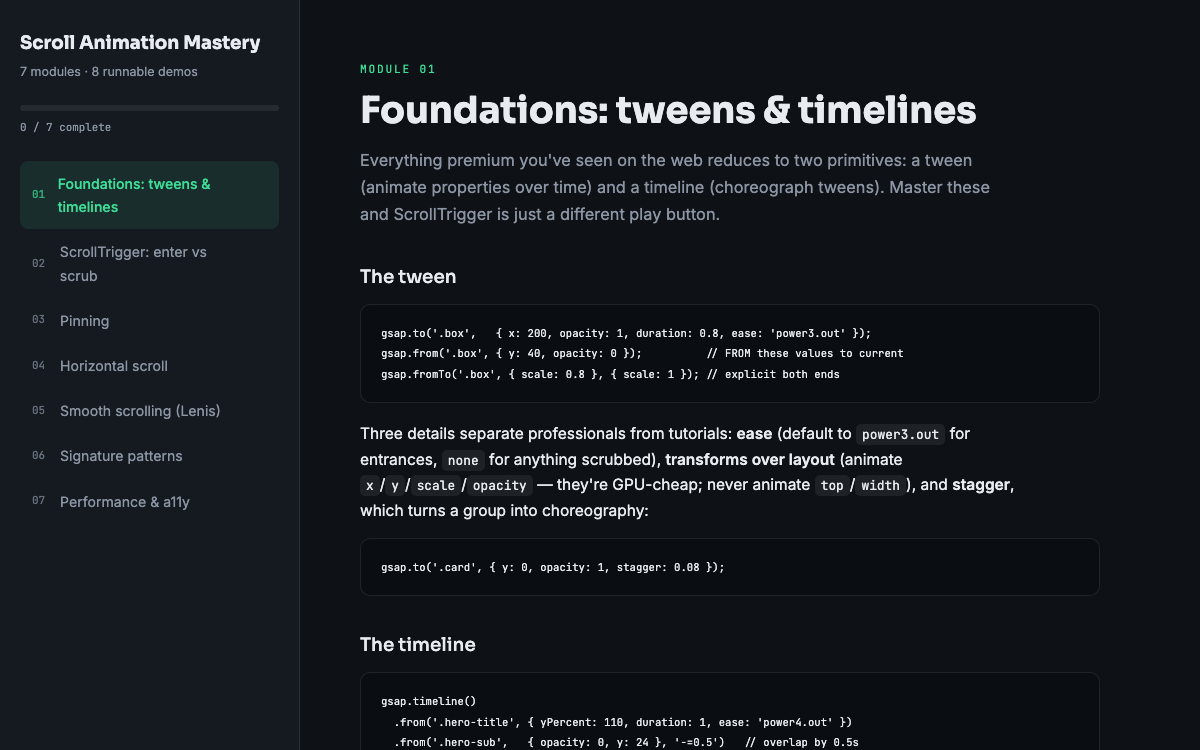
GuideScroll Animation Mastery
GSAP, ScrollTrigger, and Lenis - the five patterns behind every expensive-looking site.
 Guide
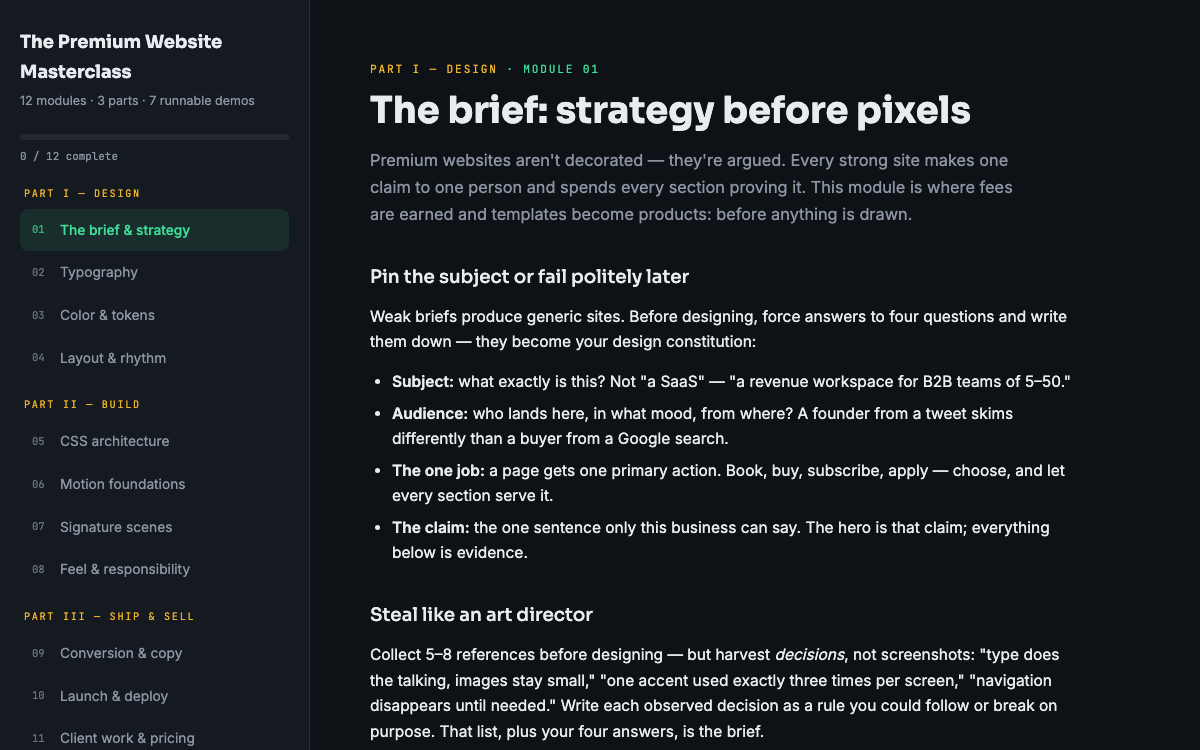
GuideThe Premium Website Masterclass
Design, build, animate, and sell premium websites - 12 modules, 3 parts, 7 runnable demos.
 SoftwareBeta
QuietScribe (Beta)
Private meeting notes for Mac - transcripts, summaries and action points, processed on your Mac.