
19 July 2026
How to Build a Personal Prompt Library You Actually Use
By Abhishek V K · Founder, DigitalItUp
The short answer
To build a personal prompt library: save any prompt that produced a genuinely good result, rewrite it as a fill-in-the-blank template with placeholders for your inputs, organize by task (not by tool), and store it somewhere searchable that opens in seconds. A library of 30 refined templates you reuse daily beats 500 hoarded prompts you never open. Review monthly and delete anything you have not used.
Most people re-type the same prompts from memory, slightly worse each time. A prompt library fixes that: it turns your best one-off prompts into reusable assets. The catch is that most prompt collections become graveyards. The fix is a system with three rules: capture, template, prune.
How do you decide what goes in the library?
Only save prompts that produced output you actually shipped or used. A prompt that gave a mediocre answer does not earn a slot. When one works, immediately rewrite it as a template: replace the specifics with placeholders like [PRODUCT], [AUDIENCE], [TONE]. The template is the asset; the original was just the prototype.
How should a prompt library be organized?
- Organize by task, not by AI tool: writing, research, client communication, planning.
- Give each prompt a plain-language name describing the outcome, not the technique.
- Note what model and settings it was last tested on.
- Keep it in one place that loads instantly; friction kills usage.
- Prune monthly: unused for 60 days means delete or rewrite.
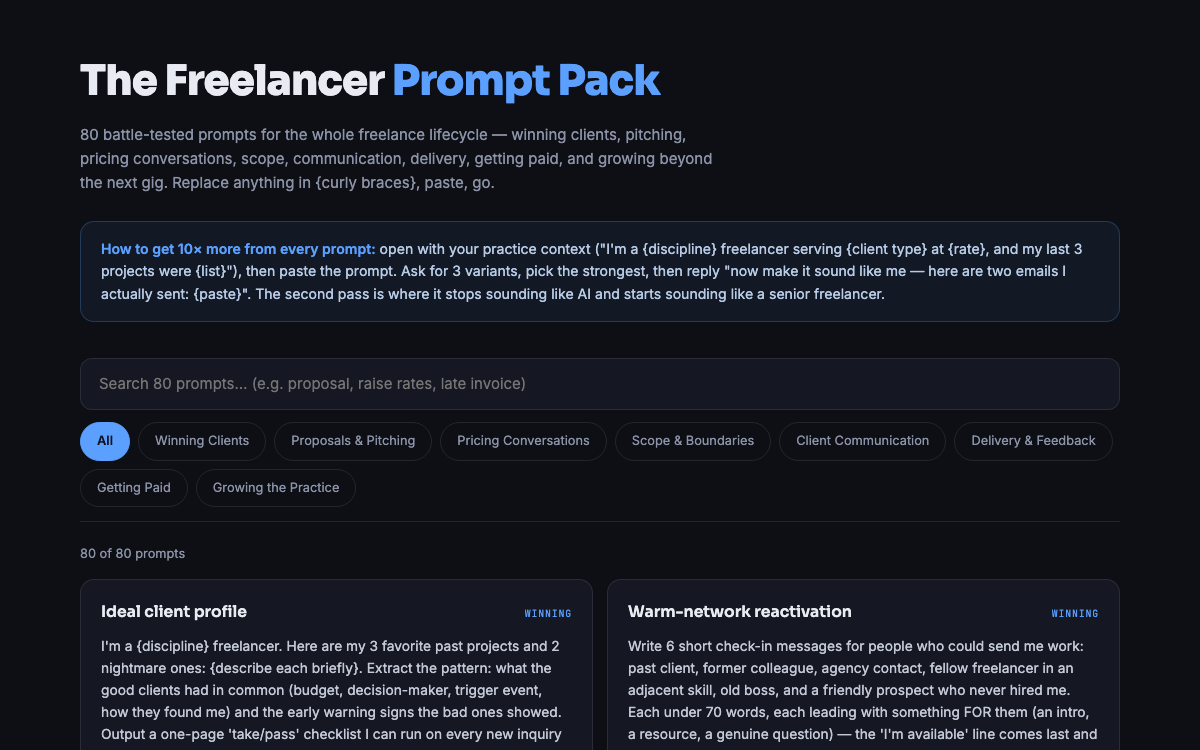
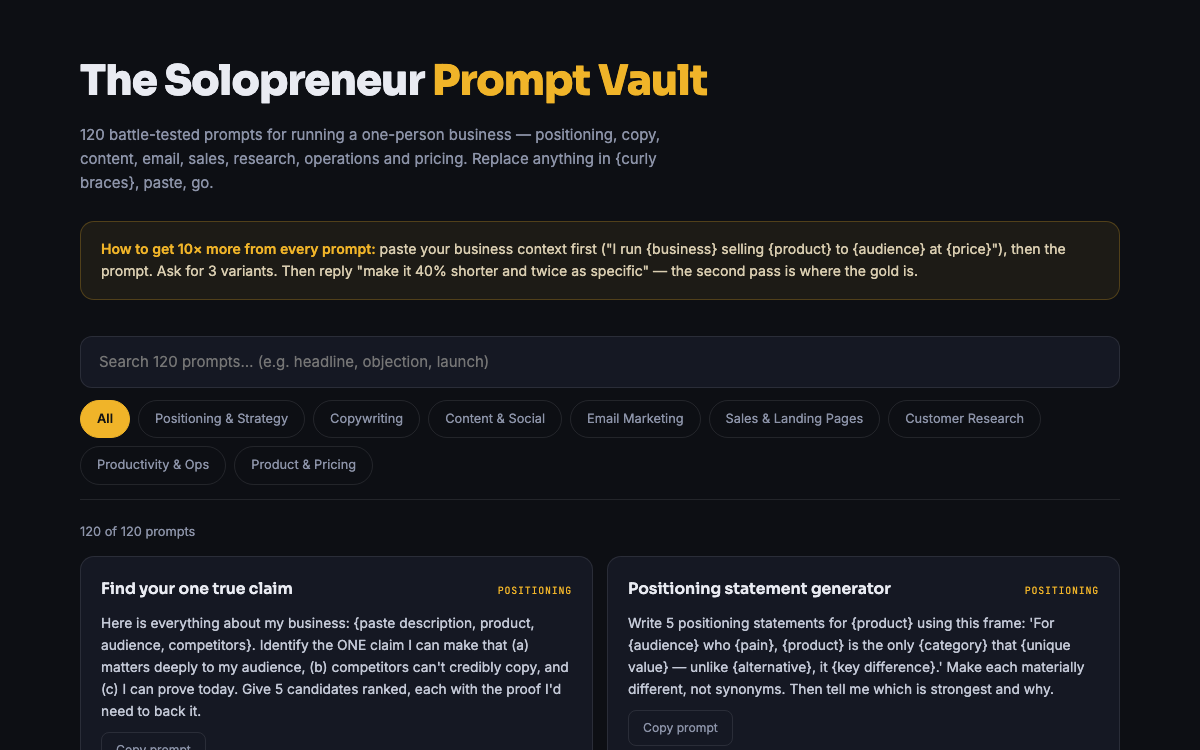
Starting from zero is slow because you do not yet know what a good template looks like. A faster route is to start from a curated set and adapt it. The Solopreneur Prompt Vault ships 120 templated prompts in a searchable single-file HTML app that works offline, so the library habit has no friction from day one. Freelancers can start narrower with the Freelancer Prompt Pack, which covers proposals, client emails, and scoping. Either becomes the skeleton you graft your own refined prompts onto.
Put this into practice
All products →The tools and templates behind this guide - instant download, yours forever.
 Ebook
EbookThe Freelancer Prompt Pack
80 AI prompts for the full freelance workflow - proposals to payments.
 Ebook
EbookThe Solopreneur Prompt Vault
120 battle-tested AI prompts across 8 categories - searchable, copyable, printable.
 SoftwareBeta
QuietScribe (Beta)
Private meeting notes for Mac - transcripts, summaries and action points, processed on your Mac.