
19 July 2026
Core Web Vitals Explained: LCP, CLS, and INP in Plain Terms
By Abhishek V K · Founder, DigitalItUp
The short answer
Core Web Vitals are three metrics Google uses to measure real-user page experience: LCP (Largest Contentful Paint) measures loading, good is 2.5 seconds or less; CLS (Cumulative Layout Shift) measures visual stability, good is 0.1 or less; INP (Interaction to Next Paint) measures responsiveness to clicks and taps, good is 200 milliseconds or less. INP replaced FID in March 2024. Google evaluates them at the 75th percentile of real visits, and they are a ranking signal, though content relevance matters more.
Core Web Vitals sound intimidating but describe three ordinary frustrations: the page takes too long to show its main content, things jump around while you read, and taps feel laggy. Google measures each with real-user data and reports them in Search Console.
What does each metric measure?
- LCP (Largest Contentful Paint): time until the largest visible element, usually a hero image or headline, renders. Good: 2.5s or less. Common causes of failure: slow servers, huge images, render-blocking scripts.
- CLS (Cumulative Layout Shift): how much the layout jumps during loading. Good: 0.1 or less. Common causes: images without dimensions, late-loading fonts, ads and embeds inserted above content.
- INP (Interaction to Next Paint): the delay between a user interaction and the next visual update, across the whole visit. Good: 200ms or less. Common cause: heavy JavaScript blocking the main thread. INP replaced FID as a Core Web Vital in March 2024.
How much do Core Web Vitals affect rankings?
They are a real but modest ranking signal; relevance and content quality dominate. The stronger case is commercial: slow, jumpy pages lose visitors before the content gets a chance. Treat the thresholds as a user-experience floor, verified with field data in Search Console rather than a single lab test.
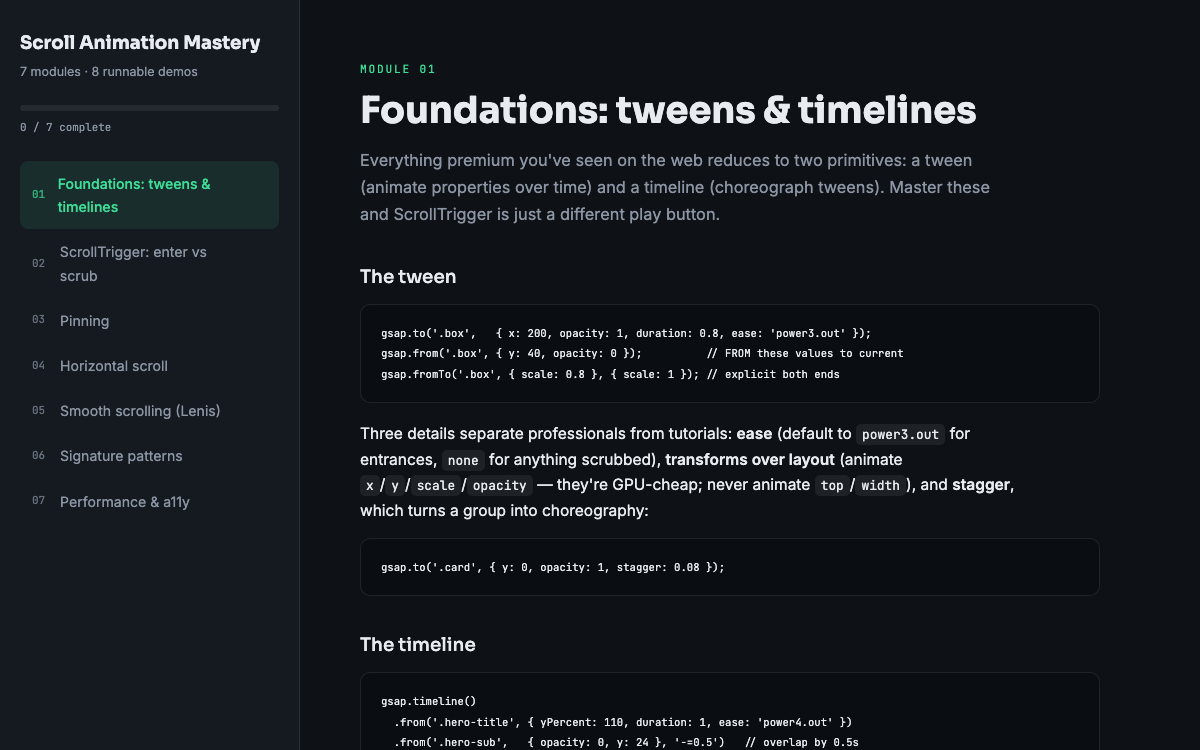
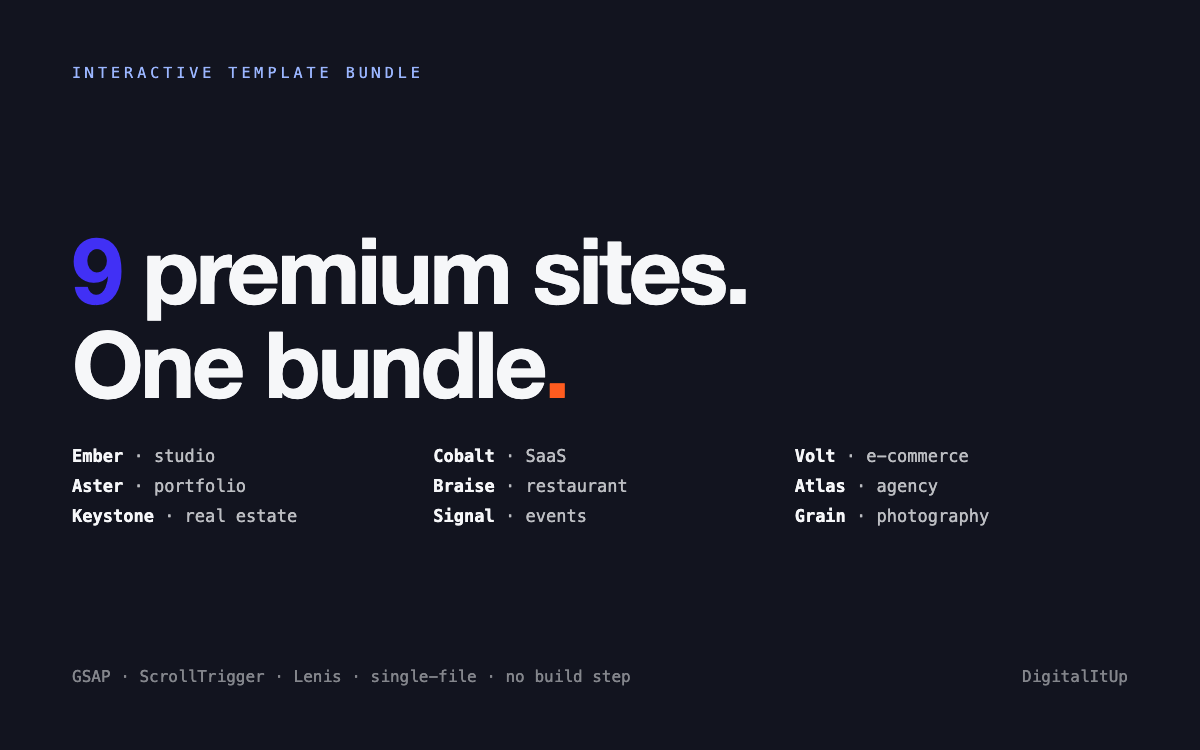
Most failures come from weight: megabytes of scripts, frameworks, and third-party tags. A single-file site with inline CSS and minimal JavaScript passes almost by default, which is a quiet advantage of templates like those in the Interactive Template Bundle: one HTML file, no render-blocking dependencies. Even animation does not have to cost you; Scroll Animation Mastery teaches scroll effects using efficient, compositor-friendly techniques so polish never shows up as a CLS or INP failure. Sized images, self-hosted fonts, and restraint cover the rest.
Put this into practice
All products →The tools and templates behind this guide - instant download, yours forever.
 Guide
GuideScroll Animation Mastery
GSAP, ScrollTrigger, and Lenis - the five patterns behind every expensive-looking site.
 Template
Interactive Template Bundle - All 9 Templates
Every premium template in one bundle - 9 sites for less than the price of 5.
 SoftwareBeta
QuietScribe (Beta)
Private meeting notes for Mac - transcripts, summaries and action points, processed on your Mac.