
19 July 2026
Custom Cursors: Implementation and Restraint
By Abhishek V K · Founder, DigitalItUp
The short answer
A custom cursor is a positioned element that follows the pointer, usually with slight lag via gsap.quickTo, replacing or accompanying the native cursor. Use it only on precise-pointer devices, gated with matchMedia('(pointer: fine)'), and never on touch. Keep the native cursor over text and form fields, grow the custom one over links to signal interactivity, and keep it small. It suits portfolios and creative studios; it hurts utility and ecommerce sites.
A custom cursor is the highest-risk flourish in web design: done well it makes a site feel authored, done badly it makes basic navigation feel like wading through syrup. The implementation is easy; the judgment is the hard part.
The standard implementation
Create a fixed-position element, listen for mousemove, and move it with two gsap.quickTo setters (one for x, one for y) with a short duration like 0.3s and an ease-out. That slight lag is deliberate: an instantly-glued cursor looks like a bug, while a trailing one reads as a designed object. Scale it up over interactive elements by toggling a class or tweening scale on mouseenter and mouseleave of links and buttons.
The non-negotiables
- Gate everything behind matchMedia('(pointer: fine)'); touch users should never load cursor code.
- Never hide the native cursor over inputs, textareas, and selectable text; precision matters there.
- Keep hit targets honest: the cursor is decoration, and must never imply a bigger click area than exists.
- Respect prefers-reduced-motion by dropping the trailing animation or the custom cursor entirely.
Custom cursors belong where the site itself is the portfolio piece: studios, photographers, personal sites. On a store or SaaS dashboard, people came to do something, and novelty between them and the task is friction. The Atlas agency template ships a hover-aware cursor you can read in one file, and the interaction module of Scroll Animation Mastery covers the quickTo follow pattern and its fallbacks. If you are unsure whether a project warrants a custom cursor, it does not; the sites that benefit make the decision obvious.
Put this into practice
All products →The tools and templates behind this guide - instant download, yours forever.
 Template
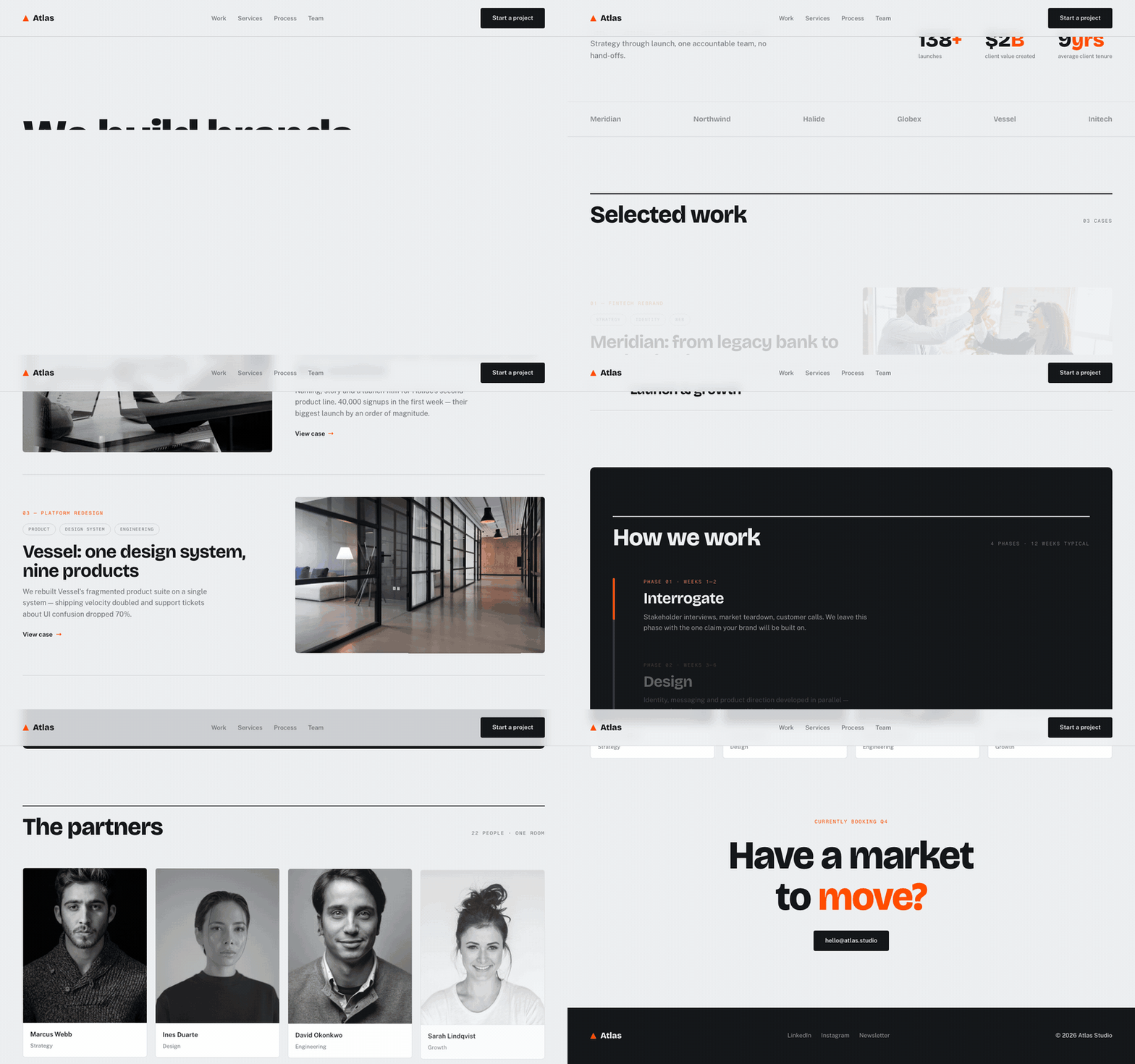
Atlas - Agency Template
A Swiss-styled agency site with a filling process rail.
 Guide
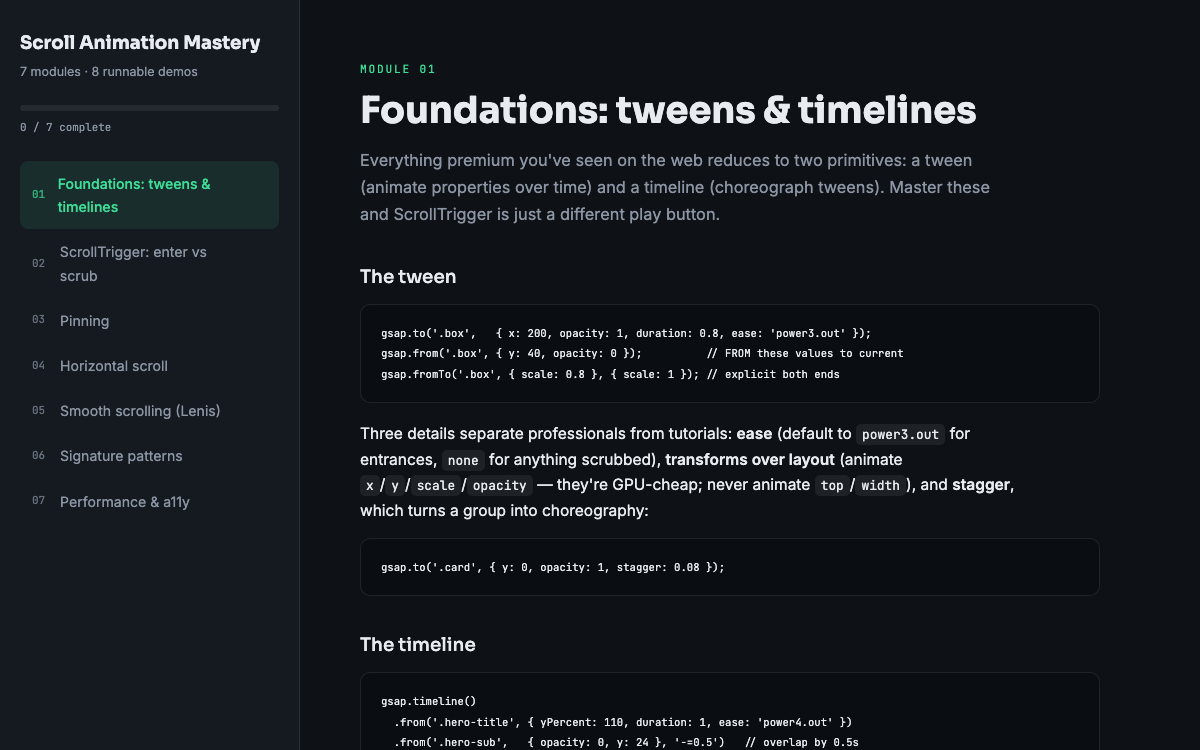
GuideScroll Animation Mastery
GSAP, ScrollTrigger, and Lenis - the five patterns behind every expensive-looking site.
 SoftwareBeta
QuietScribe (Beta)
Private meeting notes for Mac - transcripts, summaries and action points, processed on your Mac.