
19 July 2026
The Digital Product Launch Checklist (What to Verify)
By Abhishek V K · Founder, DigitalItUp
The short answer
Before launching a digital product, verify five areas: the product itself (final files, tested downloads), the page (clear promise, accurate contents list, working mobile layout), payments (a real test transaction through Razorpay or your gateway, including UPI), delivery (automated email arrives within seconds, links work), and policies (refund terms and license stated plainly). Most launch failures are broken delivery emails and untested mobile checkouts - the two things founders skip.
Launch day failures are rarely dramatic. They are quiet: a delivery email in spam, a checkout that breaks on mobile, a download link pointing at an old file. Every one of them is preventable by checking before, not after.
What must you test before launch?
- Buy your own product with a real payment method, on a phone - the full flow, not just the page
- Check the delivery email lands in the inbox, not spam, and every link works
- Read the product page as a stranger: is the promise clear in ten seconds?
- Confirm refund policy and license terms are written down somewhere findable
- Verify the files are the final version - stale uploads are embarrassingly common
What does a launch sequence look like?
A launch is a sequence, not a moment: tell your list something is coming, open with a clear announcement, follow with one email that goes deeper on who it is for, close with a genuine last call if there is a launch price. Quiet launches - publishing the page and hoping - are the most common way good products die unseen.
Is there a ready-made checklist?
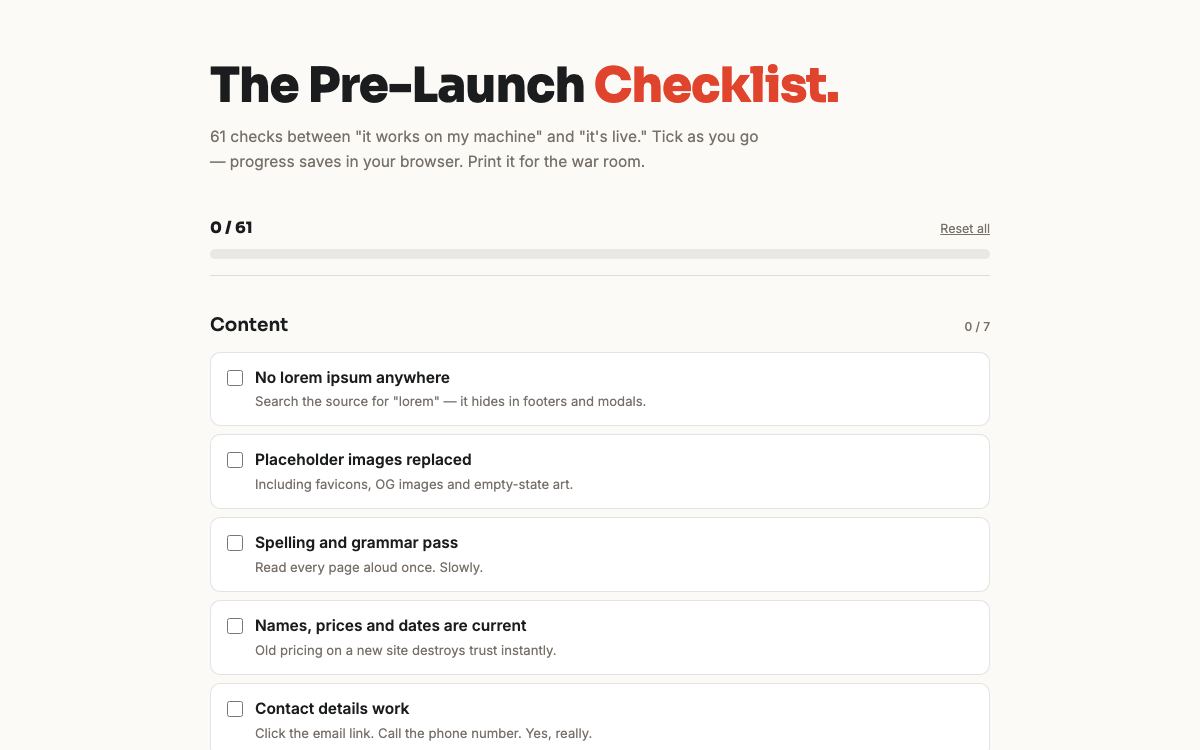
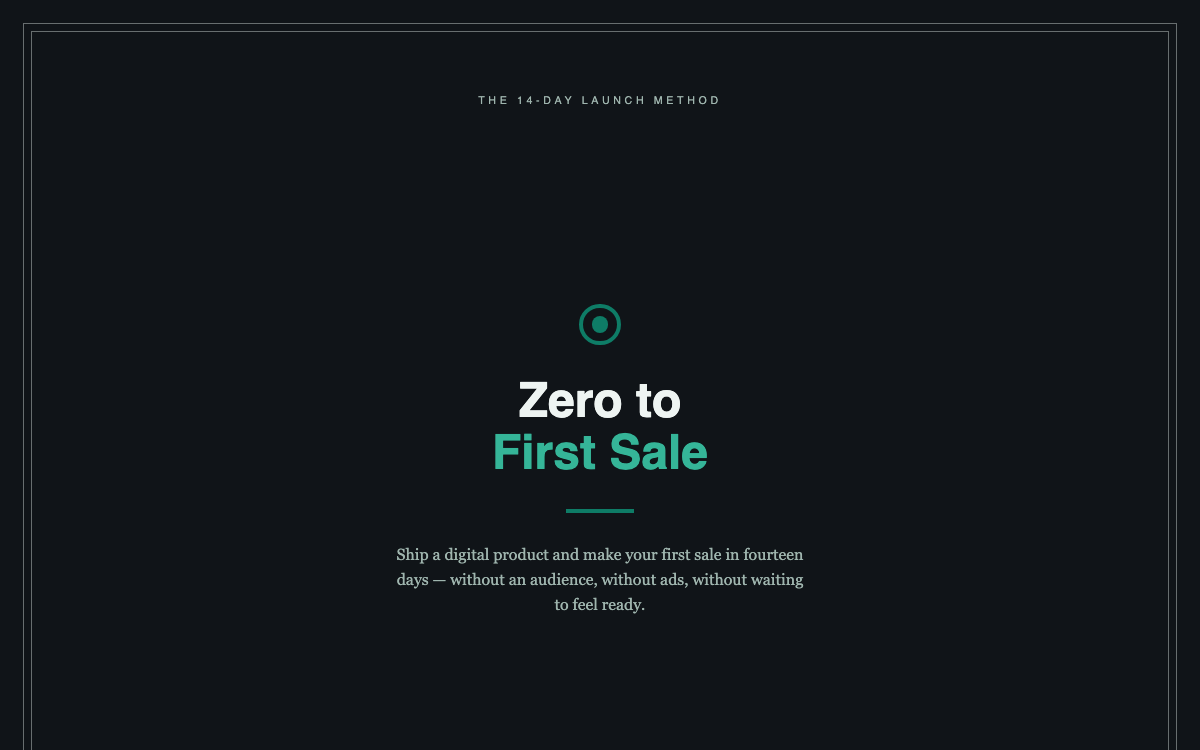
Yes - the Pre-Launch Checklist is 61 interactive checks covering product, page, payments, delivery, legal, and promotion, built for exactly this moment. It pairs naturally with Zero to First Sale, which handles the fourteen days around the launch rather than just launch day itself.
The meta-lesson: launches feel high-stakes but are mostly logistics. Check everything twice, then remember you can fix, update, and relaunch - digital products are never carved in stone.
Put this into practice
All products →The tools and templates behind this guide - instant download, yours forever.
 Ebook
EbookThe Pre-Launch Checklist
61 checks between 'it works on my machine' and a launch you're proud of.
 Ebook
EbookZero to First Sale
A 14-day launch method to get your first digital product sale.
 SoftwareBeta
QuietScribe (Beta)
Private meeting notes for Mac - transcripts, summaries and action points, processed on your Mac.