
19 July 2026
How Do Horizontal Scroll Sections Actually Work?
By Abhishek V K · Founder, DigitalItUp
The short answer
Horizontal scroll sections fake sideways movement using normal vertical scrolling. You pin a full-width container with ScrollTrigger, then animate an inner track's x position by its overflow width (scrollWidth minus viewport width) with scrub enabled, so vertical scroll progress maps directly to horizontal movement. The end distance should match the horizontal travel so the speed feels one-to-one. The scrollbar stays native, so accessibility and browser behavior keep working.
Horizontal scroll sections look like the browser has rotated, but under the hood the user never stops scrolling vertically. That is the whole trick, and it is why the pattern works without hijacking the scrollbar.
The three-part recipe
- A container section pinned with ScrollTrigger (pin: true) so it holds on screen.
- An inner flex track wider than the viewport, holding the panels side by side.
- A scrubbed tween moving the track: x equal to negative (track.scrollWidth minus window.innerWidth).
Set the trigger's end to the same distance the track travels, and one pixel of vertical scroll becomes one pixel of horizontal movement. Because scrub binds the tween's progress to scroll position, scrolling back up reverses the section naturally. Use invalidateOnRefresh so the distances recalculate on resize. Animate transforms only, never left or margin. Add a small scrub value like scrub: 1 for a slight catch-up glide instead of a rigid lock. And on mobile, consider swapping the whole thing for a native overflow-x carousel via gsap.matchMedia, since long horizontal sections on small screens frustrate more than they impress.
Where to study a working version
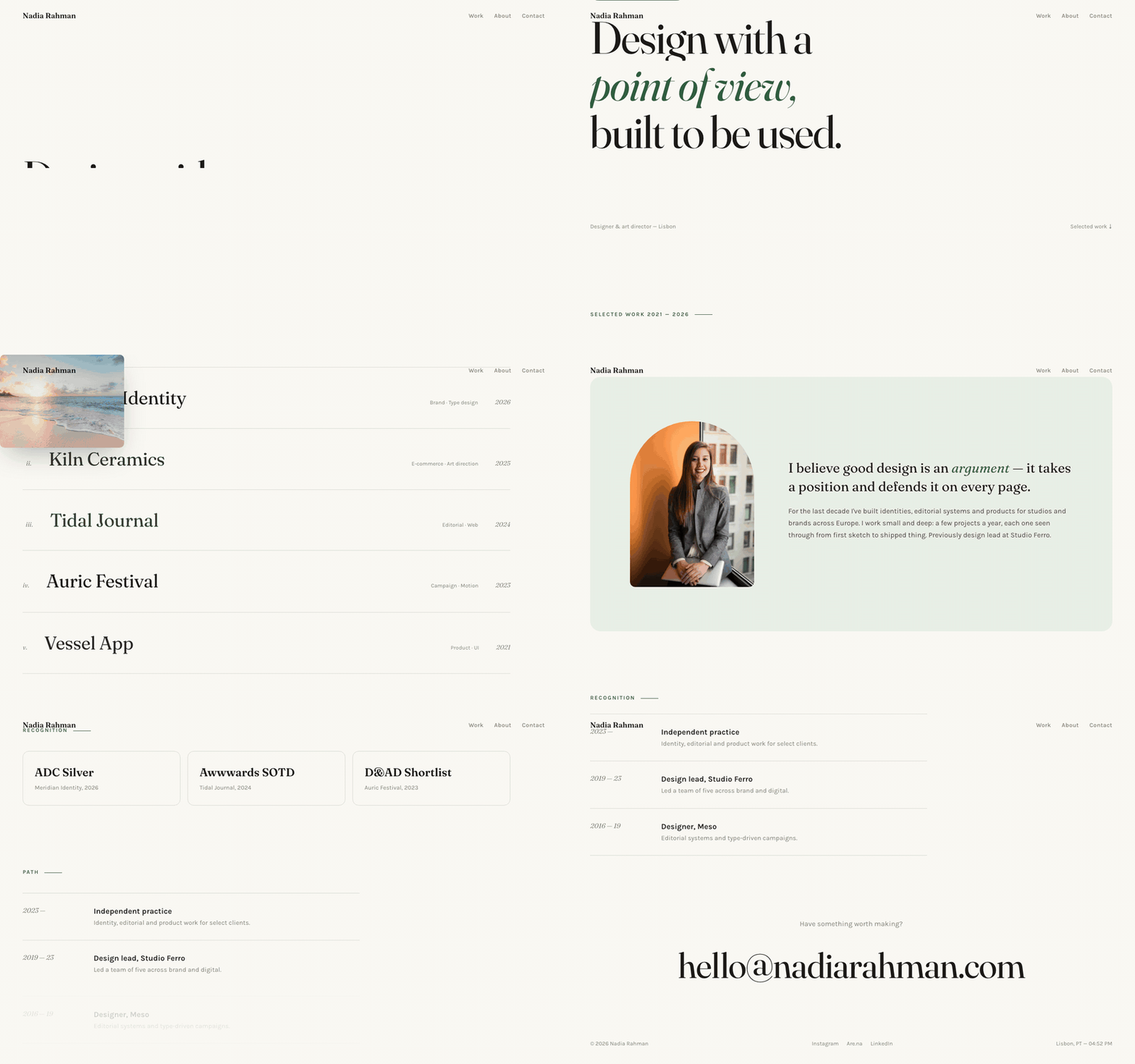
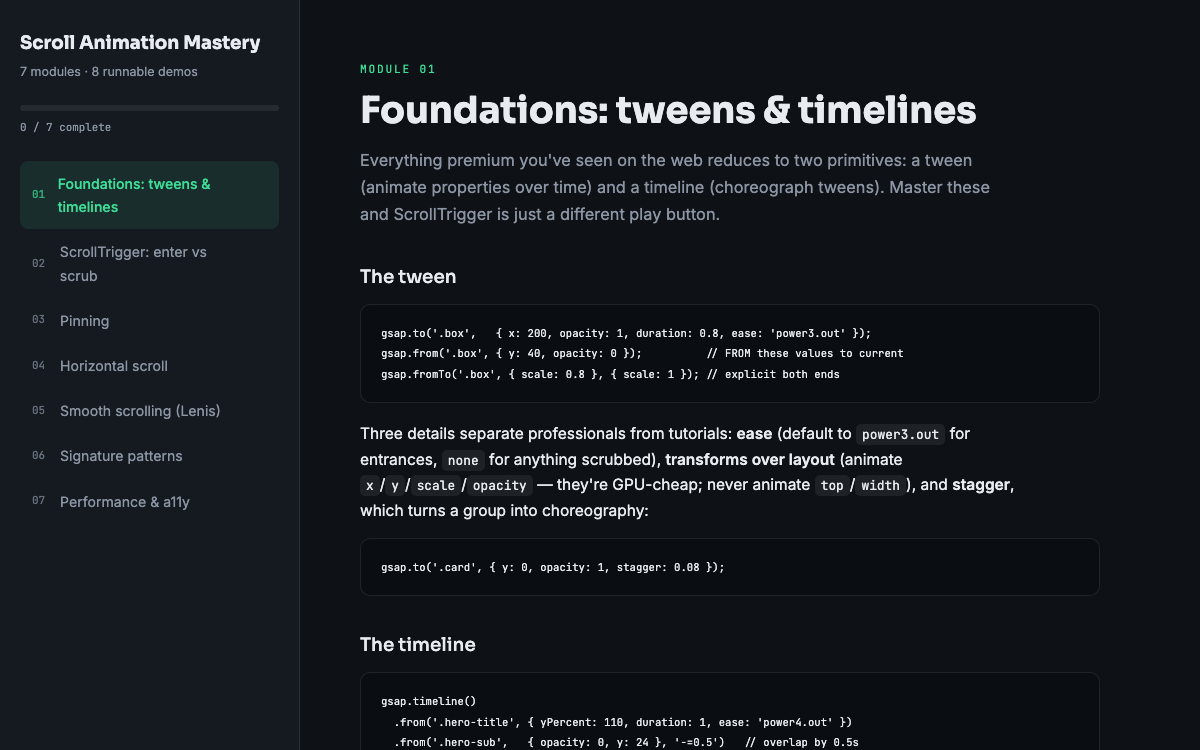
The Aster portfolio template uses a pinned horizontal gallery you can open in a text editor and trace end to end, because the entire site is one file. The horizontal scroll module in Scroll Animation Mastery then has you build the pattern from a blank page, including the resize and mobile handling most tutorials skip. Test with a trackpad, a mouse wheel, and keyboard scrolling before shipping, since each one drives the pinned section a little differently.
Put this into practice
All products →The tools and templates behind this guide - instant download, yours forever.
 Template
Aster - Editorial Portfolio Template
An editorial portfolio with cursor-following project previews.
 Guide
GuideScroll Animation Mastery
GSAP, ScrollTrigger, and Lenis - the five patterns behind every expensive-looking site.
 SoftwareBeta
QuietScribe (Beta)
Private meeting notes for Mac - transcripts, summaries and action points, processed on your Mac.