
19 July 2026
How to Make a Gym Website That Sells Memberships
By Abhishek V K · Founder, DigitalItUp
The short answer
A gym website sells memberships when it does five things: leads with a strong photo of your actual gym, states plans and prices openly (hiding prices loses trust), offers a low-friction first step like a free trial day or trial week, shows real trainers with names and specialities, and repeats one call to action - 'Book a free trial' - on every screen. Class schedules and equipment lists support the sale; the trial CTA closes it.
Nobody buys an annual gym membership from a website. They book a visit, walk in, and then buy. So the entire site should funnel toward one action: booking that first visit. Design every section to remove a reason not to show up.
What sections does a gym website need?
- Hero: real photo of your floor, one line on who you train, 'Book a Free Trial' button
- Programs: strength, CrossFit, yoga, personal training - whatever you actually run
- Pricing: monthly, quarterly, annual in ₹, with the trial offer highlighted
- Trainers: names, photos, certifications - people join people, not equipment
- Timings and location: peak-hour honesty builds trust; add a Maps link
- FAQ: shower facilities, freeze policy, joining fee - answer objections before the visit
Should you show prices publicly?
Yes. 'Contact for pricing' filters out serious buyers, not casual ones - they simply pick the gym down the road that lists ₹1,500/month. Publish your standard rates and keep negotiation for annual plans in person. If you offer UPI autopay for monthly billing, say so; it is a real convenience differentiator in India.
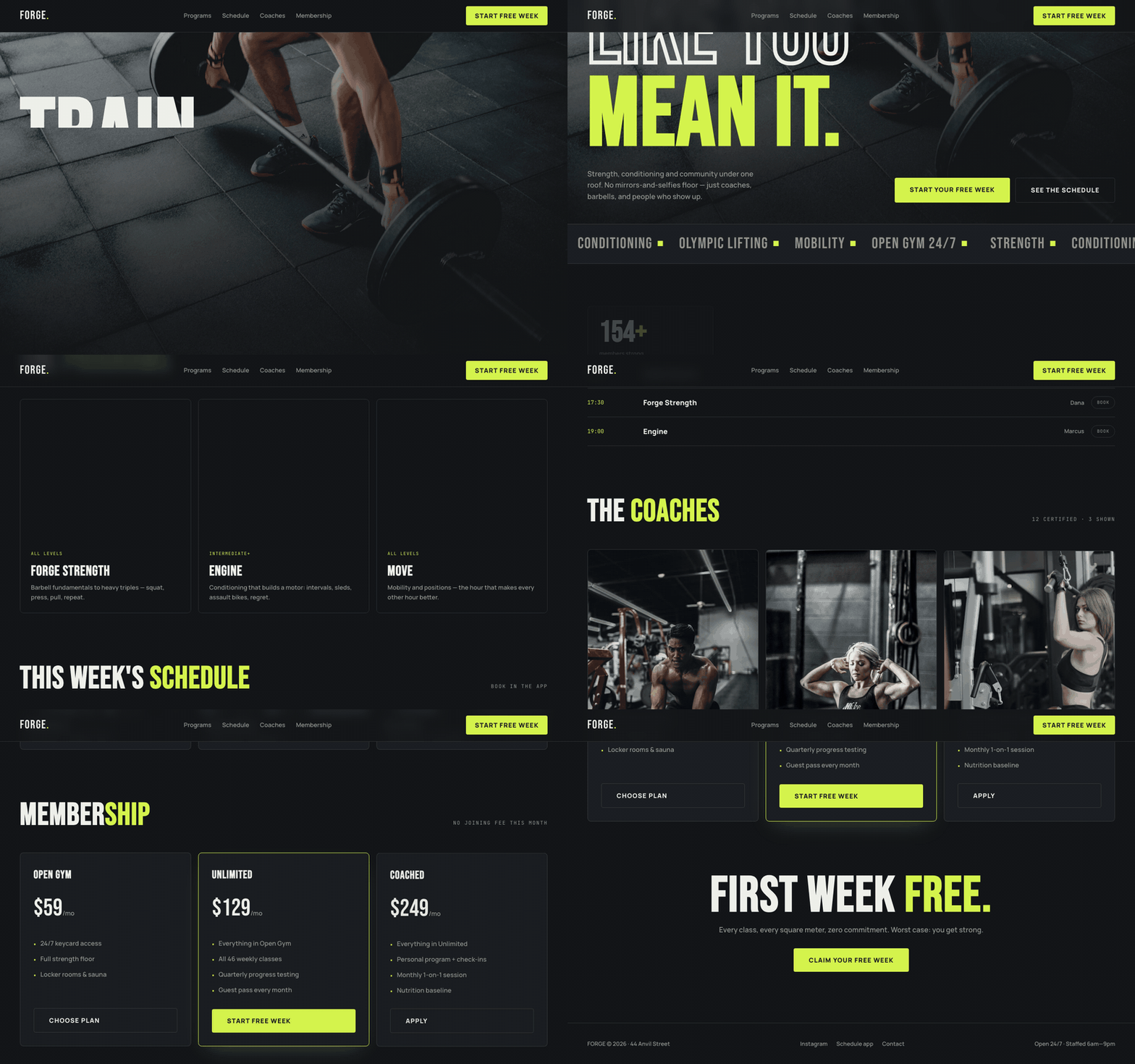
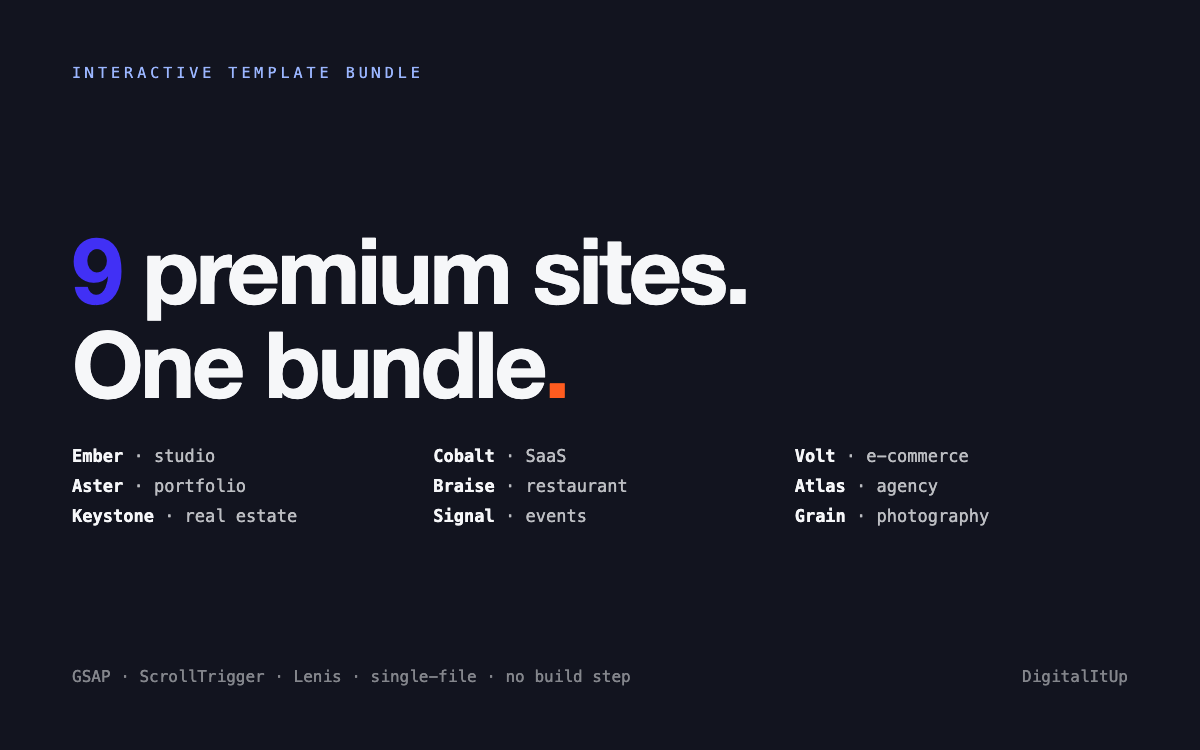
You do not need WordPress and twelve plugins for six sections. The Forge gym template is a single HTML file with a hero, programs grid, pricing table, trainer cards and schedule built in - edit the text, swap photos, upload to any free host, done in an evening. If you also run a physio practice or a supplements store and want matching sites, the Interactive Template Bundle covers nine niches with the same no-build workflow.
Put this into practice
All products →The tools and templates behind this guide - instant download, yours forever.
 Template
Forge - Gym & Fitness Template
A high-energy gym site with a day-tabbed class schedule and membership tiers.
 Template
Interactive Template Bundle - All 9 Templates
Every premium template in one bundle - 9 sites for less than the price of 5.
 SoftwareBeta
QuietScribe (Beta)
Private meeting notes for Mac - transcripts, summaries and action points, processed on your Mac.