
19 July 2026
The Magnetic Button Effect, Explained
By Abhishek V K · Founder, DigitalItUp
The short answer
The magnetic button effect makes a button drift toward the cursor as it approaches, then spring back when the pointer leaves. Implementation: listen for mousemove on a hover zone, compute the pointer's offset from the button's center, apply a fraction of that offset (roughly 20-40%) as a transform using gsap.quickTo, and animate back to zero with an elastic ease on mouseleave. Disable it on touch devices and under prefers-reduced-motion.
Magnetic buttons are a signature of expensive-feeling sites: hover near the call-to-action and it leans toward your cursor like it wants to be clicked. The effect is small, but it makes an interface feel alive and responsive in a way static hover states do not. On mousemove over the button (or a slightly larger wrapper, which feels better), get the element's bounding box, subtract its center from the pointer coordinates, and you have an offset. Multiply that by a strength factor, around 0.3, and apply it as x and y transforms. Full strength would glue the button to the cursor; the fraction is what reads as magnetism.
Why gsap.quickTo instead of plain tweens
Mousemove fires dozens of times per second, and creating a new tween on every event is wasteful and stuttery. gsap.quickTo creates one reusable setter per property that you feed new target values; GSAP smoothly retargets the in-flight animation. On mouseleave, tween x and y back to 0 with elastic.out for that satisfying spring.
- Gate the effect behind matchMedia('(pointer: fine)'); it is meaningless on touch.
- Respect prefers-reduced-motion by leaving the button static.
- Reserve it for primary CTAs; a page of magnetic elements feels gimmicky.
You can see a tuned implementation in the Volt product-drop template, and the interaction module of Scroll Animation Mastery builds the effect from scratch, including the quickTo pattern and touch fallback. Start with a strength of 0.3 and a return duration around 0.6 seconds, then tune by feel; the difference between charming and annoying is usually one decimal place.
Put this into practice
All products →The tools and templates behind this guide - instant download, yours forever.
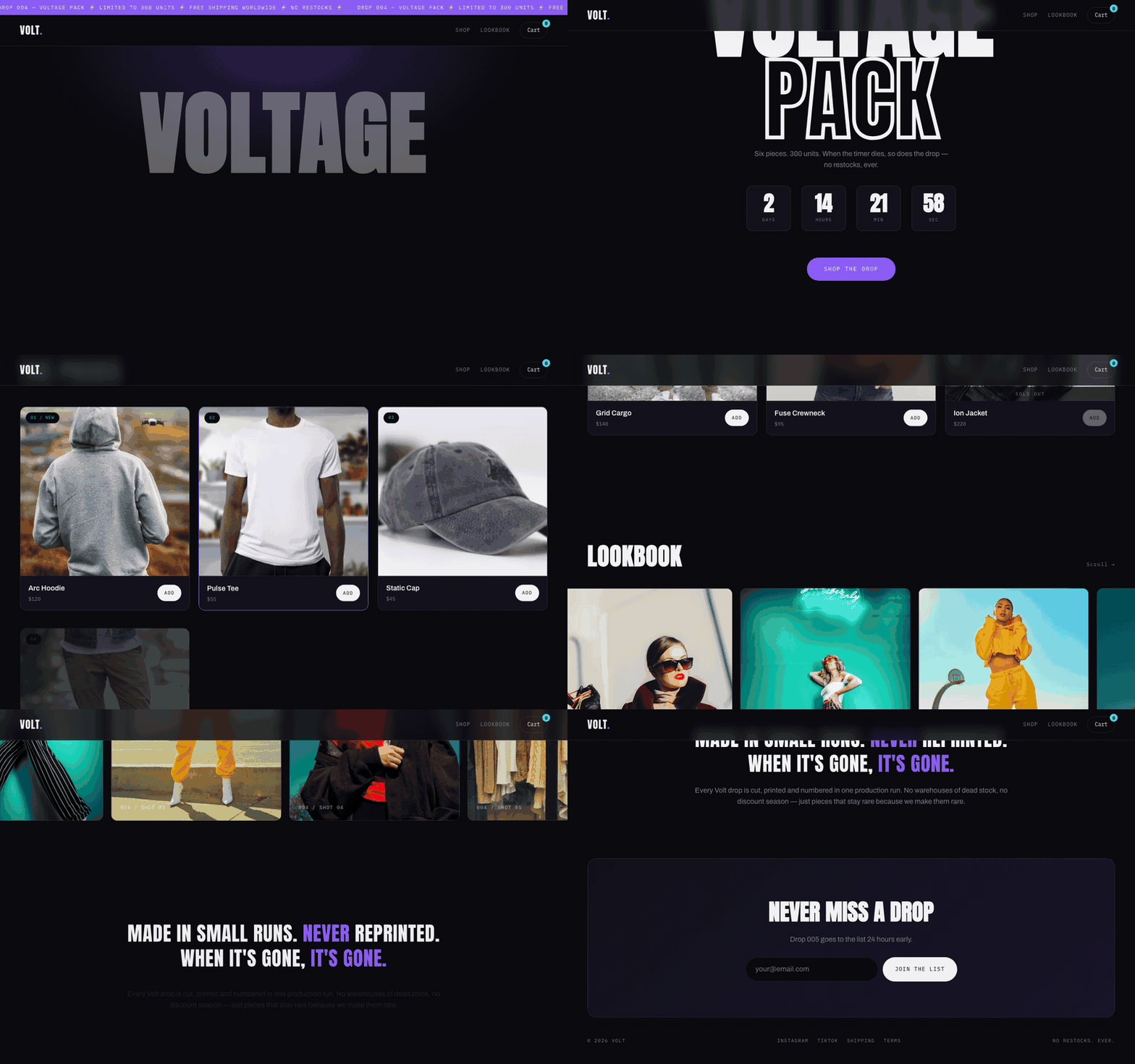 Template
Volt - E-commerce Drop Template
A drop page with a live countdown and a working cart drawer.
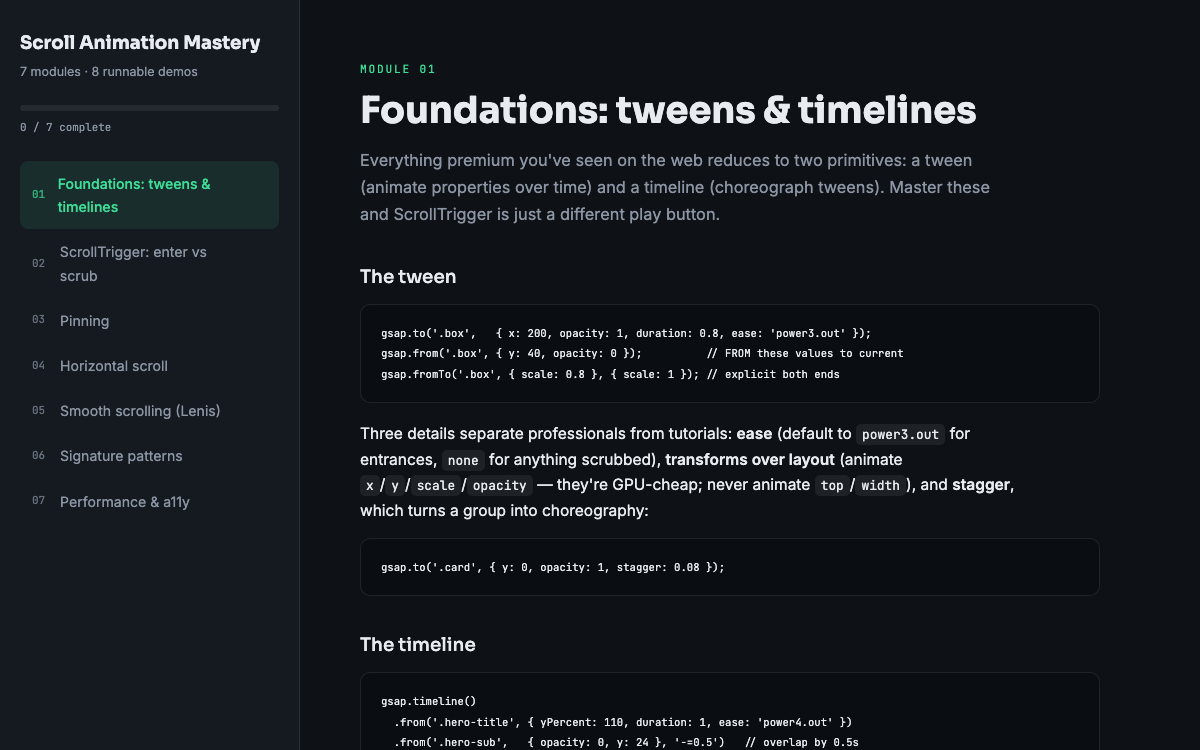 Guide
GuideScroll Animation Mastery
GSAP, ScrollTrigger, and Lenis - the five patterns behind every expensive-looking site.
 SoftwareBeta
QuietScribe (Beta)
Private meeting notes for Mac - transcripts, summaries and action points, processed on your Mac.