
19 July 2026
Portfolio Website Mistakes That Cost You Work
By Abhishek V K · Founder, DigitalItUp
The short answer
The portfolio mistakes that cost work: showing everything instead of your best 10–15 pieces; no context on projects (what was the brief, what did you do, what happened); burying contact details; huge uncompressed images that stall on mobile; no statement of what you want to be hired for; and a dead 'latest work' section from two years ago. Fix curation and context first - they change outcomes more than any redesign.
A portfolio is not an archive; it is an argument. Every mistake below weakens the argument that you are the right hire - and most of them are fixable in an afternoon without touching the design.
The mistakes, ranked by damage
- Showing everything: clients judge you by your weakest piece - cut to 10–15
- No context: image dumps without brief, role, or outcome read as decoration, not capability
- Hidden contact: if reaching you takes more than one click, warm leads cool off
- Uncompressed images: an 8MB hero on mobile data is a bounce, not a portfolio view
- No positioning: 'designer' attracts nothing; 'brand identity for food startups' attracts briefs
- Stale dates: a blog last touched in 2023 signals you might not be available - remove dates or the blog
How much context per project?
Three sentences per project is enough: the brief, your specific role, and what happened after. 'Redesigned onboarding for a fintech app; I owned research and UI; activation improved after launch.' That is more hireable than ten mockups with no words. If you worked in a team, say what you personally did - clients hire your contribution, not the team's.
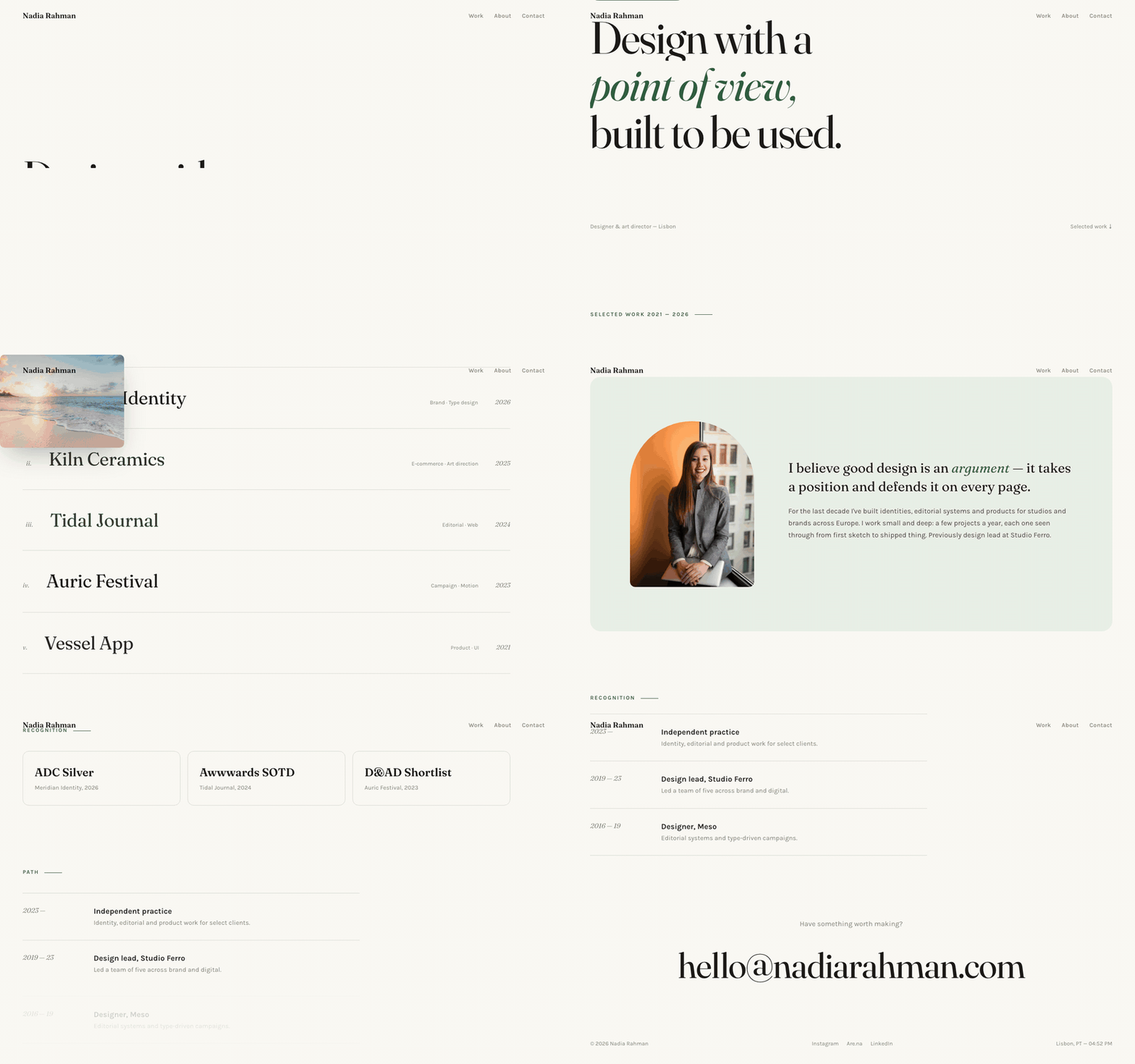
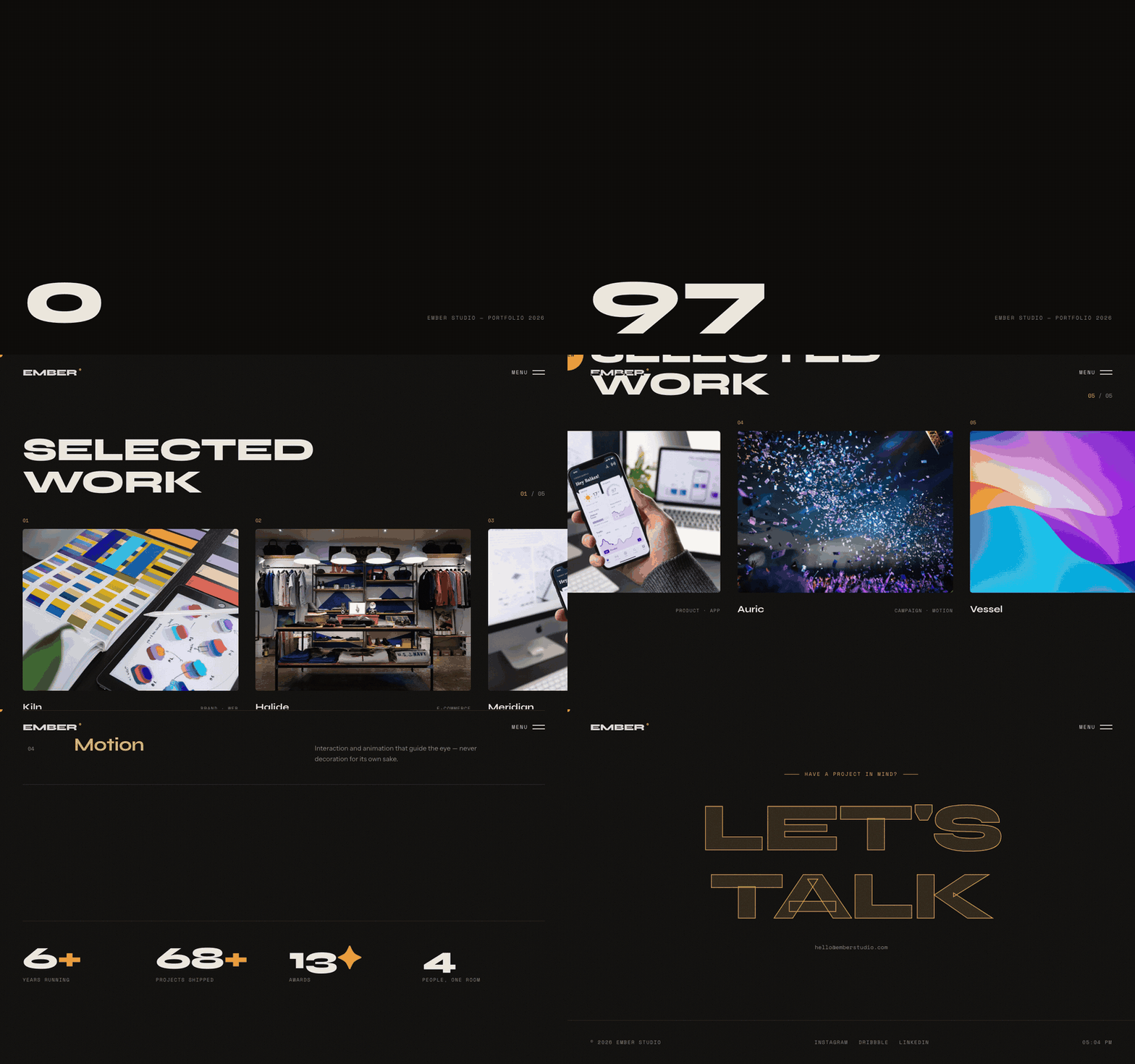
Yes, but as a floor, not a differentiator: it must feel current and load fast, then get out of the work's way. The Ember studio template does dark, editorial, motion-rich presentation for studios and freelancers, while the Aster portfolio template suits cleaner, type-led personal portfolios - both single HTML files, so fixing the mistakes above is editing text, not learning a CMS.
Put this into practice
All products →The tools and templates behind this guide - instant download, yours forever.
 Template
Aster - Editorial Portfolio Template
An editorial portfolio with cursor-following project previews.
 Template
Ember - Studio Portfolio Template
A dark studio portfolio that moves like a showreel.
 SoftwareBeta
QuietScribe (Beta)
Private meeting notes for Mac - transcripts, summaries and action points, processed on your Mac.