
19 July 2026
Scrub vs Play-on-Enter: ScrollTrigger's Two Modes
By Abhishek V K · Founder, DigitalItUp
The short answer
ScrollTrigger has two fundamental modes. Play-on-enter fires an animation when an element crosses a scroll position, controlled by toggleActions, and the tween then runs on its own clock at its own speed. Scrub binds the animation's progress directly to scroll position, so scrolling backwards reverses it; scrub: true is a rigid lock, while scrub: 1 adds about a second of smoothing. Use play-on-enter for content reveals and scrub for storytelling sections the user drives.
Every ScrollTrigger animation answers one question: who controls time, the animation or the scrollbar? Get this choice wrong and an effect feels off even when the code is correct. With toggleActions (the default is 'play none none none'), crossing the start point fires the tween, which then plays at its authored duration and easing regardless of how the user scrolls. This is right for content: card fades, text reveals, image entrances. The four toggleActions slots define what happens on enter, leave, enter-back, and leave-back; 'play none none reverse' is the popular choice that tidies up when scrolling back above the section.
Scrub: the scrollbar owns time
With scrub, the tween's progress is mapped onto the scroll distance between start and end. Scroll halfway, the animation is halfway. This is right for spatial, narrative effects: parallax, horizontal scroll tracks, pinned sequences, progress-linked transformations. Durations stop meaning seconds and become proportions of the scroll range, and easing behaves differently because the user supplies the velocity.
How to choose
- Is the element content to read? Play-on-enter, with a designed duration and ease.
- Is the effect an environment the user moves through? Scrub, usually with a small smoothing value.
- Never scrub text reveals; never play-on-enter a parallax layer.
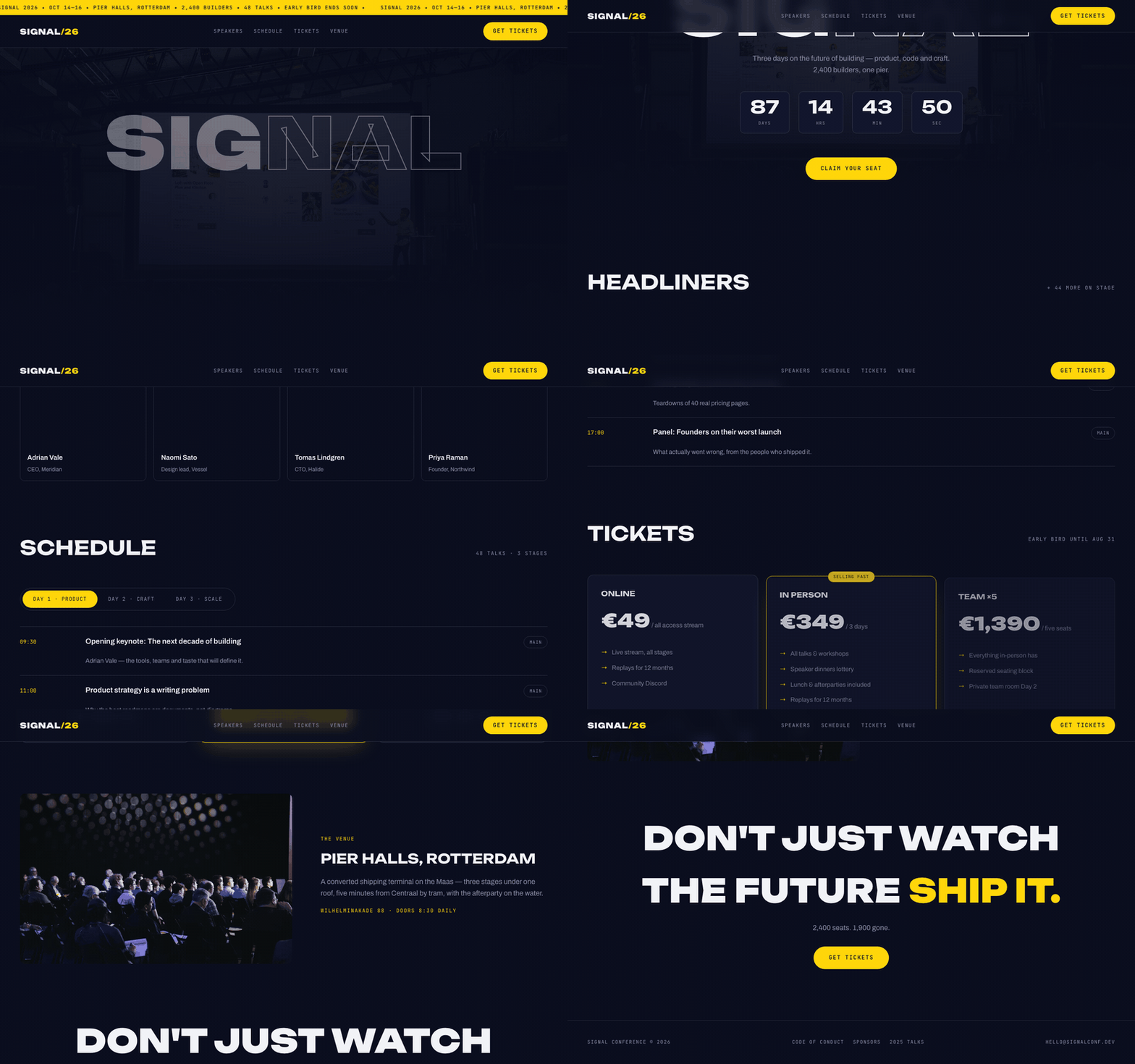
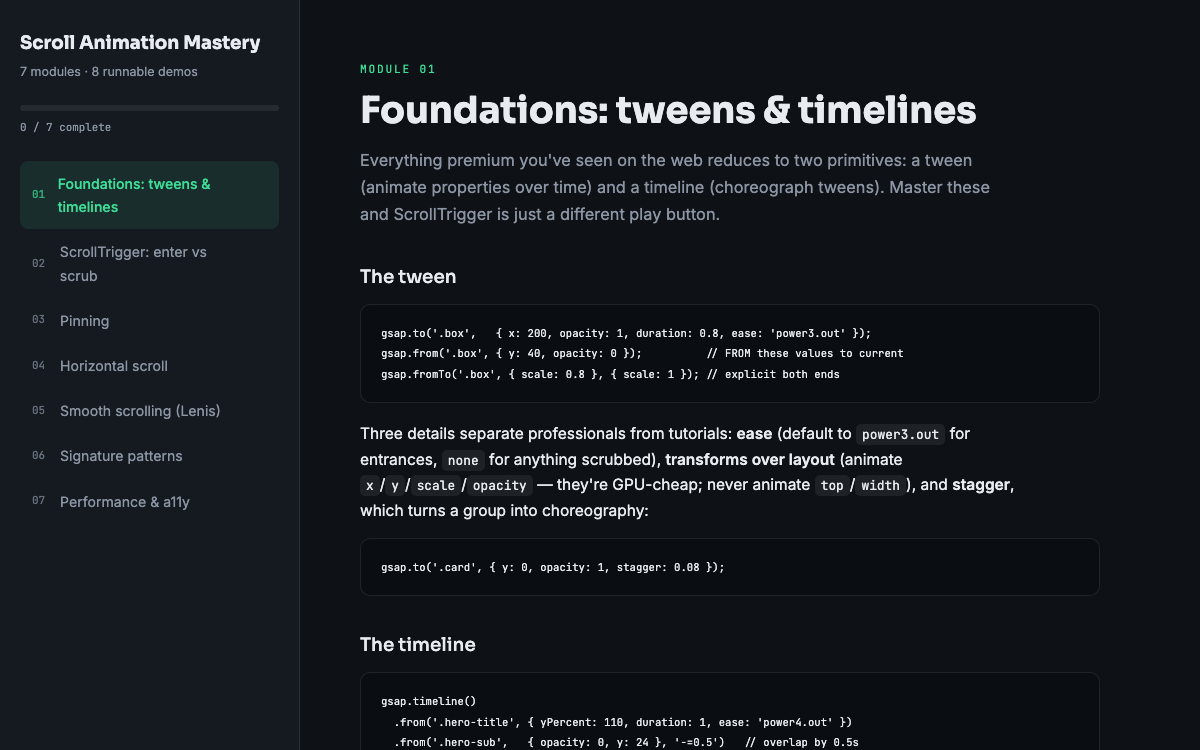
The Signal event template uses both modes side by side, which makes it a useful single-file reference. Scroll Animation Mastery dedicates separate modules to each mode before combining them with pinning. Most polished pages mix both modes freely; the skill is noticing which question each element on the page is answering.
Put this into practice
All products →The tools and templates behind this guide - instant download, yours forever.
 Template
Signal - Event & Conference Template
A conference site with a data-driven schedule and live countdown.
 Guide
GuideScroll Animation Mastery
GSAP, ScrollTrigger, and Lenis - the five patterns behind every expensive-looking site.
 SoftwareBeta
QuietScribe (Beta)
Private meeting notes for Mac - transcripts, summaries and action points, processed on your Mac.