
19 July 2026
Smooth Scrolling With Lenis: How and When to Use It
By Abhishek V K · Founder, DigitalItUp
The short answer
Lenis is a lightweight smooth-scrolling library that interpolates the scroll position each frame, adding momentum without breaking the native scrollbar. Use it when a site leans on scroll-linked animation, because scrubbed GSAP effects look visibly smoother with interpolated scroll values. Sync it with ScrollTrigger by calling ScrollTrigger.update inside Lenis's scroll callback and driving Lenis from gsap.ticker. Skip it on text-heavy or utility sites where users expect native scrolling.
That glide you feel on high-end studio sites, where the page eases to a stop instead of halting instantly, is usually Lenis. It smooths the scroll value itself, which is exactly why scroll-linked animation looks better with it: scrubbed tweens receive interpolated positions instead of jumpy raw ones.
How do you wire Lenis to ScrollTrigger?
The two need to agree on time and position. The standard setup: create the Lenis instance, call ScrollTrigger.update inside lenis.on('scroll', ...), then drive Lenis from GSAP's own clock with gsap.ticker.add((time) => lenis.raf(time * 1000)) and disable lag smoothing. That keeps pins and scrubbed animations perfectly in sync with the eased scroll.
When is smooth scrolling the wrong call?
- Documentation, blogs, and dashboards, where people scan and expect instant response.
- Sites with little scroll animation; the effect adds weight without payoff.
- Users with prefers-reduced-motion enabled; disable or reduce the lerp for them.
Lenis is a presentation choice, not a default. If the site is a portfolio, agency page, or product launch built around scroll storytelling, it earns its place. Otherwise native scrolling is faster and more predictable. Every template in our lineup, including the Cobalt SaaS template, ships with Lenis pre-integrated alongside ScrollTrigger in a single HTML file, so you can read the exact sync code in context. The setup is also covered step by step in Scroll Animation Mastery, including the reduced-motion fallback. Either way, treat Lenis as the last thing you add: get the animations right on native scroll first, then layer the smoothing on top.
Put this into practice
All products →The tools and templates behind this guide - instant download, yours forever.
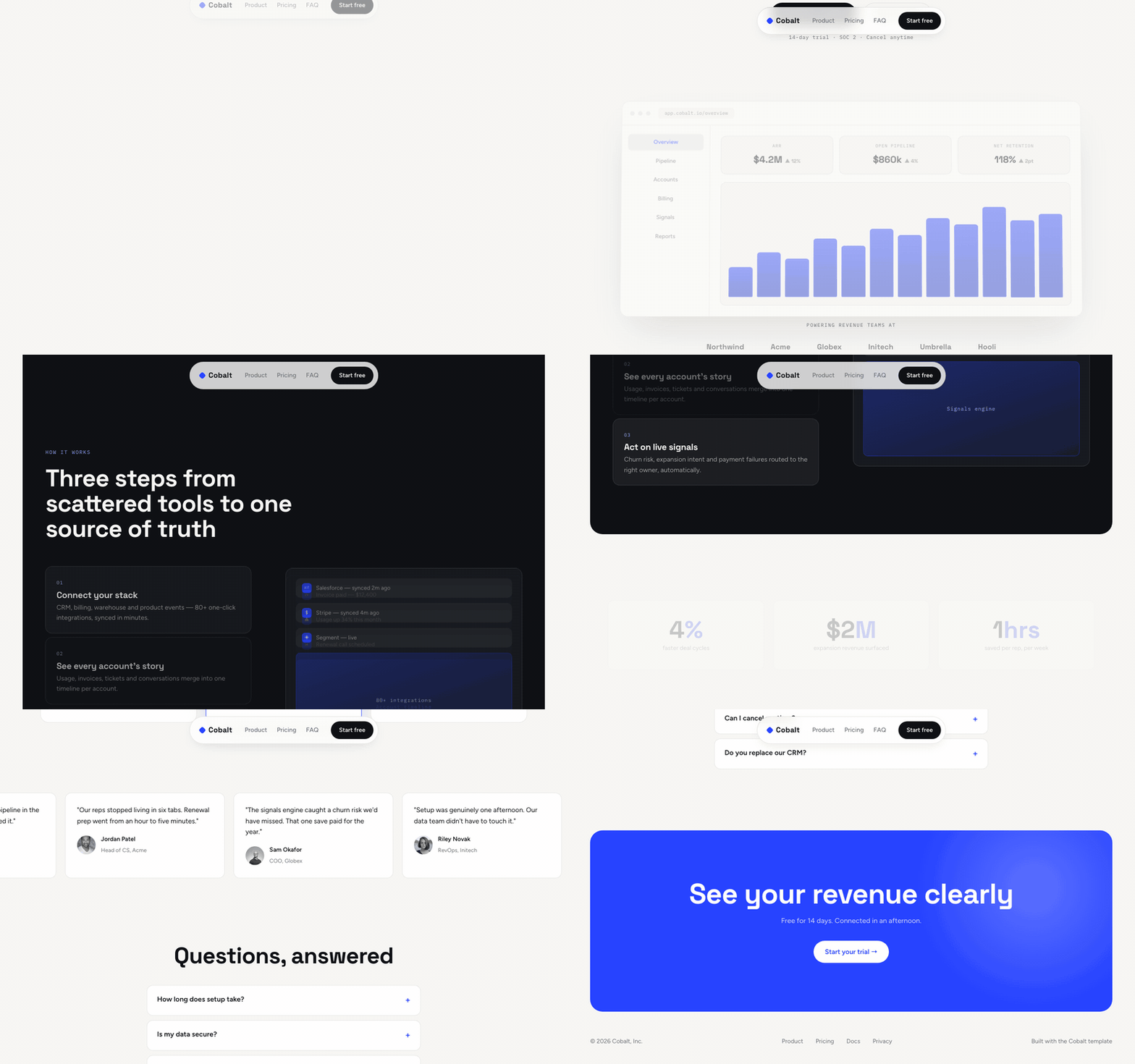 Template
Cobalt - SaaS Landing Template
A light SaaS landing page with a scroll-scrubbed product story.
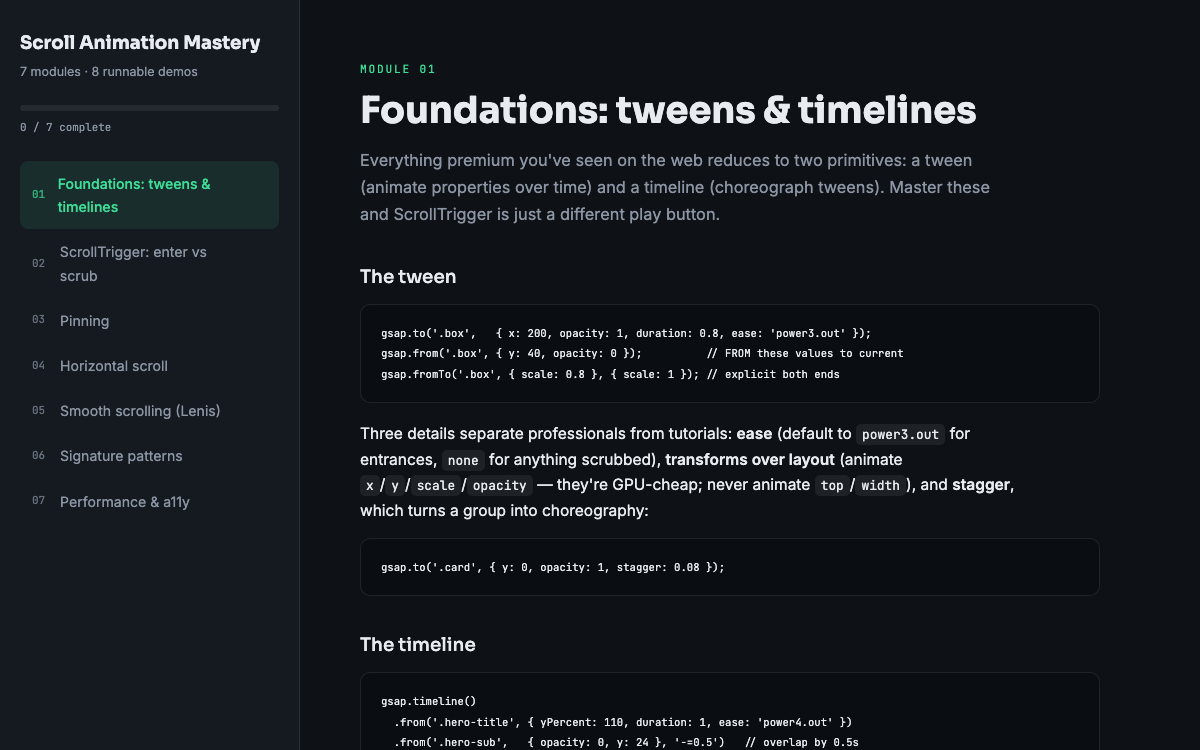 Guide
GuideScroll Animation Mastery
GSAP, ScrollTrigger, and Lenis - the five patterns behind every expensive-looking site.
 SoftwareBeta
QuietScribe (Beta)
Private meeting notes for Mac - transcripts, summaries and action points, processed on your Mac.