
19 July 2026
Sticky Sections: CSS position: sticky vs GSAP Pinning
By Abhishek V K · Founder, DigitalItUp
The short answer
CSS position: sticky fixes an element within its parent's bounds with zero JavaScript and is the right default for headers, sidebars, and simple stacking-card sections. GSAP ScrollTrigger pinning is for when the pin must coordinate with animation: content scrubbing through a held section, precise start and end points, or a pin duration independent of parent height. Rule of thumb: sticky for layout, ScrollTrigger for choreography.
Both techniques hold an element on screen while the page scrolls, so they get confused constantly. They solve different problems, and the cheapest correct answer is often the CSS one.
What position: sticky gives you
Sticky is declarative: top: 0 inside a tall parent, and the element rides along until the parent's bottom edge pushes it away. It costs no JavaScript, works with the browser's native scrolling and accessibility behavior, and handles the classic cases perfectly: sticky navigation, table headers, sidebars, and stacked cards where each section's parent height defines how long it holds.
What ScrollTrigger pinning adds
- A pin duration you set in scroll distance ('end: +=1500') instead of deriving from parent height.
- Coordination: scrubbed timelines that play while the section is held, which sticky cannot orchestrate by itself.
- Callbacks and progress values for syncing counters, canvas, or class changes.
- pinType: transform for compatibility inside transform-based smooth scrollers.
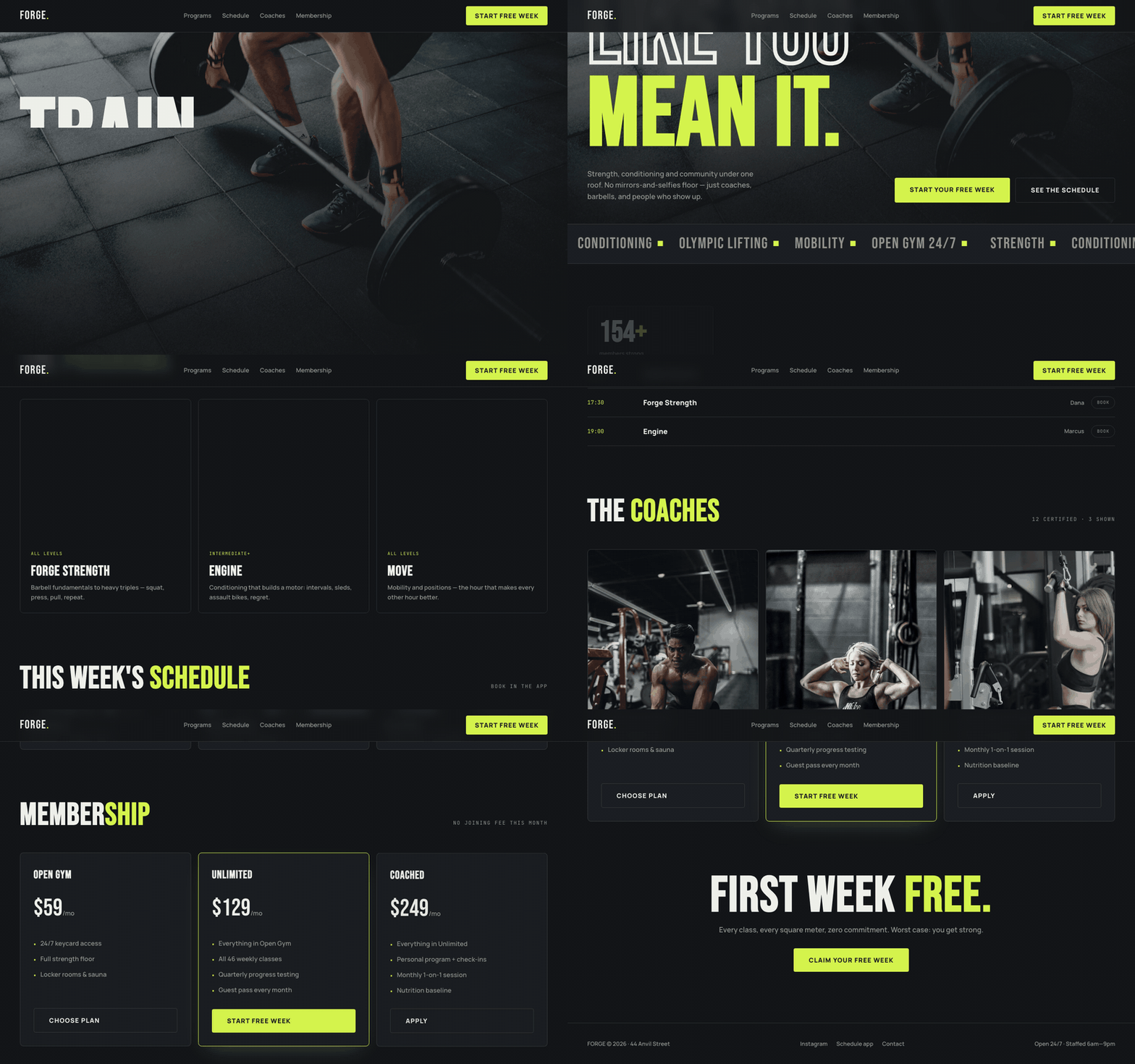
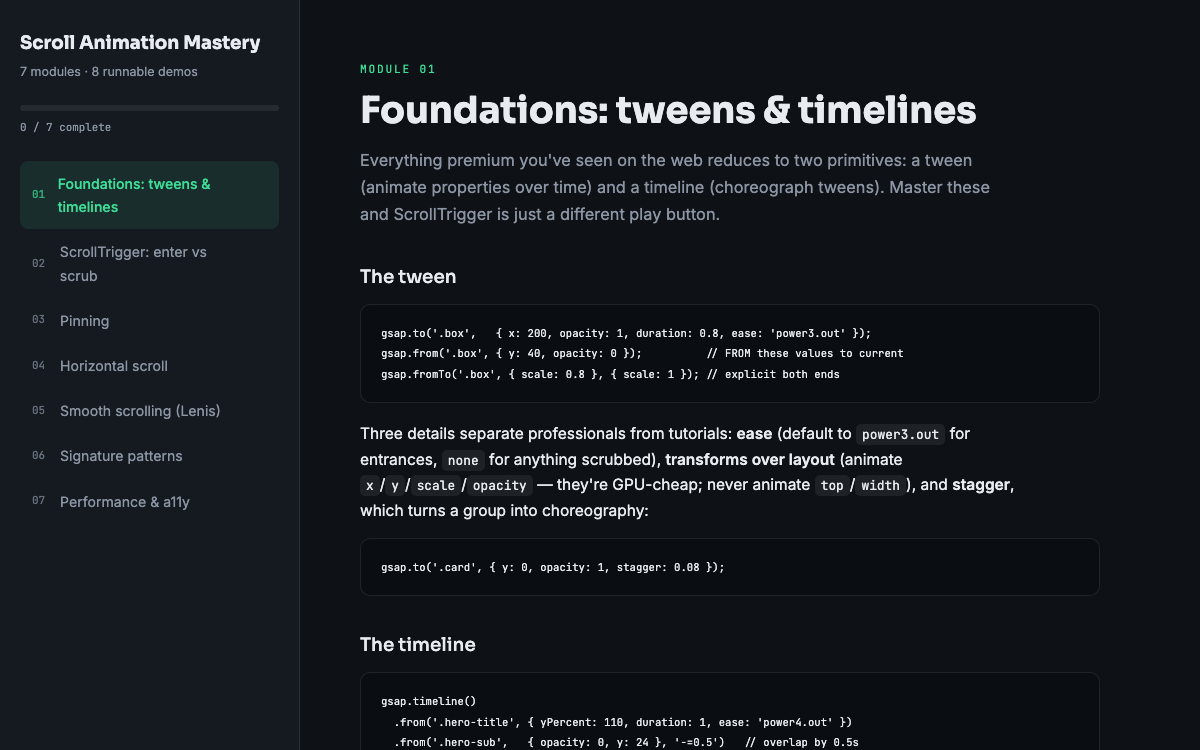
The cost is JavaScript, a pin-spacer in your DOM, and more to reason about on resize. That trade is worth it exactly when animation is choreographed to the hold, and not before. If nothing animates during the hold, use sticky and stop. If content plays out while the section is held, pin it. The Forge gym template uses both in one file, sticky for its nav and ScrollTrigger pins for its program showcase, and the pinning module of Scroll Animation Mastery covers when each is the honest choice. Starting with sticky and upgrading to a pin only when the design demands it keeps pages lighter and the scroll code easier to maintain.
Put this into practice
All products →The tools and templates behind this guide - instant download, yours forever.
 Template
Forge - Gym & Fitness Template
A high-energy gym site with a day-tabbed class schedule and membership tiers.
 Guide
GuideScroll Animation Mastery
GSAP, ScrollTrigger, and Lenis - the five patterns behind every expensive-looking site.
 SoftwareBeta
QuietScribe (Beta)
Private meeting notes for Mac - transcripts, summaries and action points, processed on your Mac.