
19 July 2026
SVG Animation Basics for Websites
By Abhishek V K · Founder, DigitalItUp
The short answer
SVG animation on websites mostly means three techniques: animating stroke-dashoffset to draw a path like pen strokes, transforming groups (rotate, scale, translate) for icon and illustration motion, and fading or swapping between states. CSS handles simple hover states; GSAP handles sequenced or scroll-linked SVG motion and smooths over transform quirks. Set transform-box: fill-box so elements rotate around their own center, and keep SVGs optimized, since fewer points animate more smoothly.
SVG is the most animation-friendly image format on the web because it is not really an image: it is a DOM tree. Every path, circle, and group is an element you can style, target, and animate individually. The classic drawn-on effect uses two stroke properties. Set stroke-dasharray to the path's total length, making one dash that covers the whole line, and stroke-dashoffset to the same length, hiding it. Animate the offset to zero and the line draws itself. Pair it with a scrubbed ScrollTrigger and diagrams draw as the visitor scrolls.
The transform-origin gotcha
The most common SVG animation bug: you rotate an icon part and it swings around the SVG canvas's corner instead of spinning in place. Historically, SVG resolved transform-origin against the whole viewport. The fix is transform-box: fill-box in CSS, which makes the origin relative to the element's own bounding box, plus transform-origin: center. GSAP also offers svgOrigin when you need canvas-space control.
CSS or GSAP?
- CSS: single-state changes like hover fills, simple spins, one-shot transitions.
- GSAP: staggered multi-element sequences, scroll-linked drawing, coordinated timelines across an illustration.
- Either way, run files through an optimizer first; hand-exported SVGs carry junk that bloats and slows them.
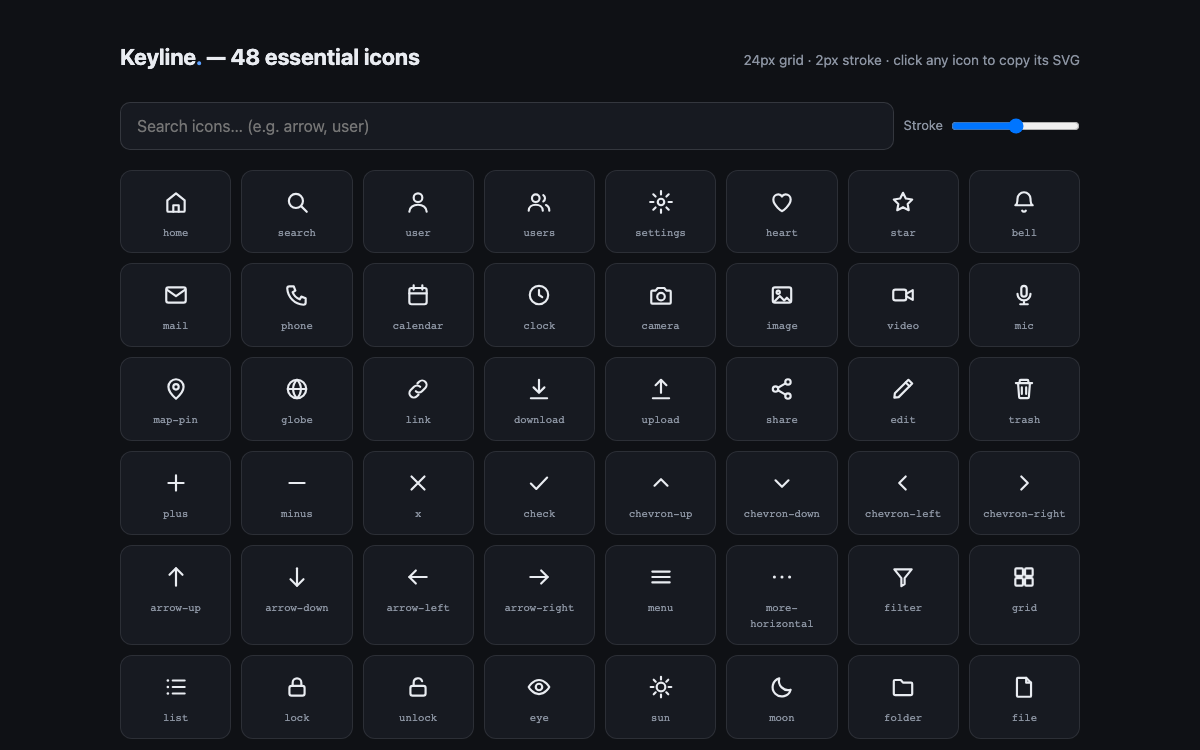
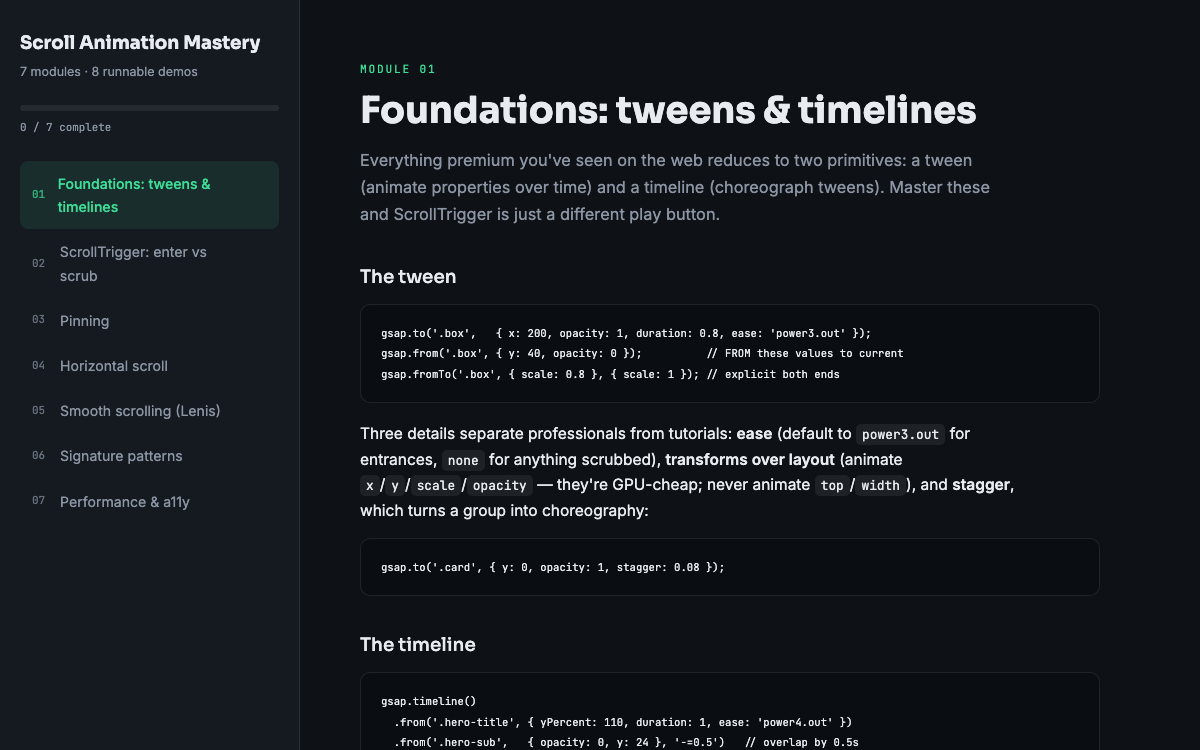
A consistent stroke-based set like the Keyline icon pack is ideal raw material for dash-offset drawing effects, and the SVG module in Scroll Animation Mastery builds a scroll-drawn illustration from a blank file. And because SVG elements are real DOM nodes, everything you already know about GSAP targets, staggers, and timelines applies to them unchanged.
Put this into practice
All products →The tools and templates behind this guide - instant download, yours forever.
 Template
Keyline Icon Pack - 48 Stroke Icons
48 consistent stroke icons with a sprite, plus an interactive browser.
 Guide
GuideScroll Animation Mastery
GSAP, ScrollTrigger, and Lenis - the five patterns behind every expensive-looking site.
 SoftwareBeta
QuietScribe (Beta)
Private meeting notes for Mac - transcripts, summaries and action points, processed on your Mac.