
19 July 2026
Loading Web Fonts Without Wrecking Performance
By Abhishek V K · Founder, DigitalItUp
The short answer
Web fonts hurt performance through render-blocking requests, layout shift, and oversized files. The fix: self-host WOFF2 files, preload only the one or two files used above the fold, set font-display: swap so text renders immediately in a fallback, subset fonts to the characters you actually use, and cap yourself at two families and three or four weights total. Tune the fallback with size-adjust so the swap barely shifts layout.
Typography is the biggest lever in web design, and also one of the easiest ways to ship a slow, jumpy page. Every font weight is a file the browser must fetch before your text looks right, so the game is loading fewer bytes, sooner, with a graceful in-between state.
The setup that works
- Self-host WOFF2 files instead of linking a third-party CSS service; you cut a DNS hop and control caching.
- Preload the one or two files your first screen needs with <link rel="preload" as="font" crossorigin>.
- Declare font-display: swap in each @font-face so text paints instantly in the fallback font.
- Subset aggressively: a Latin-only subset of a display font is often a fraction of the full file.
- Consider a variable font when you need many weights; one file can replace four.
Killing the layout shift
Swap causes reflow when the web font's metrics differ from the fallback's. Modern CSS fixes this: define a fallback @font-face pointing at a local font (like Arial) with size-adjust, ascent-override, and descent-override tuned to match your web font's proportions. When the real font arrives, lines barely move, and your cumulative layout shift stays near zero. Most font performance problems are really font quantity problems. Two families, a display face and a text face, in a handful of weights, covers almost any design. That is the budget our templates ship with, including the type-heavy Braise restaurant template, and Premium Website Masterclass walks through the full pairing, subsetting, and loading workflow when building a site from zero.
Put this into practice
All products →The tools and templates behind this guide - instant download, yours forever.
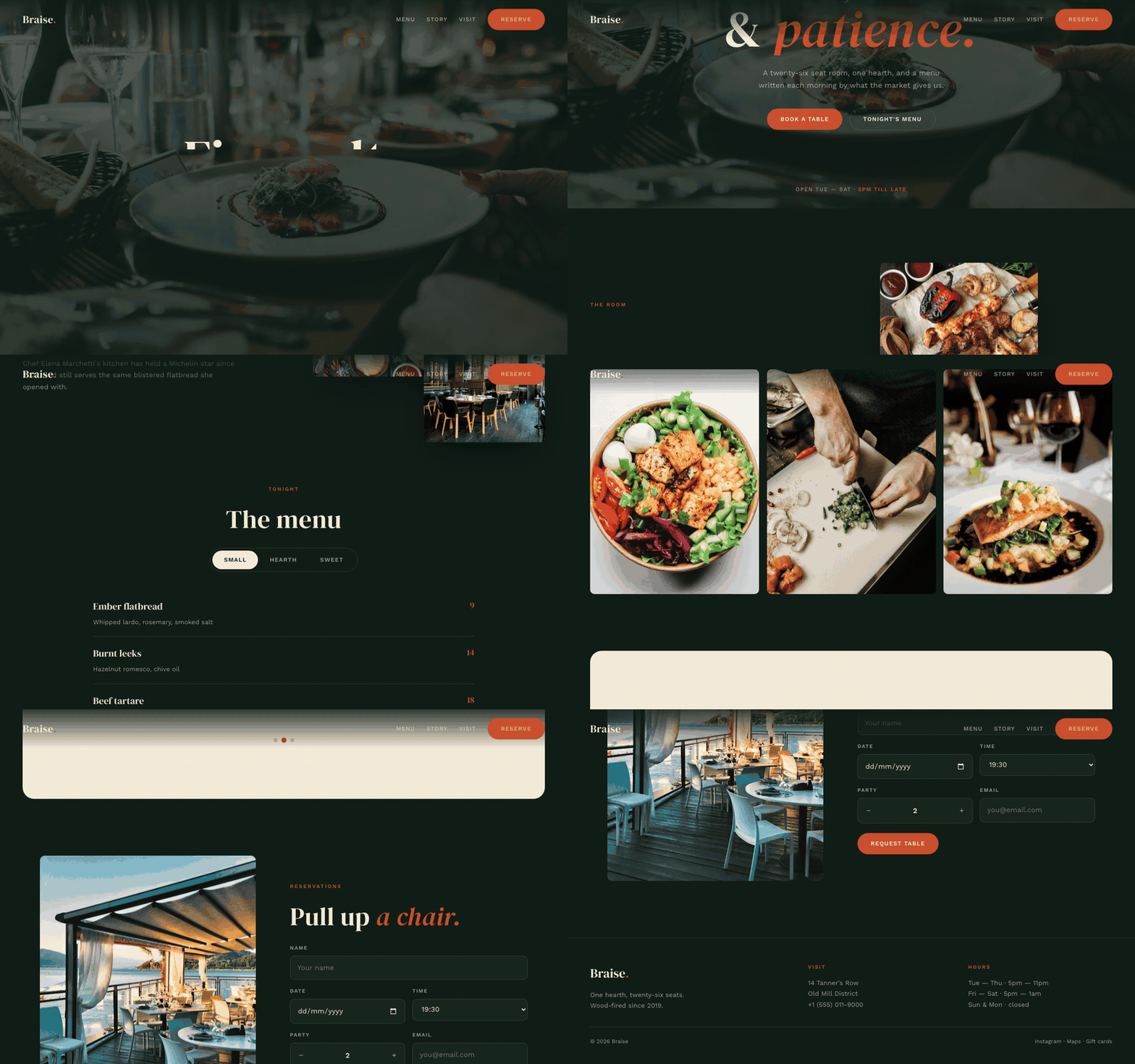 Template
Braise - Restaurant Template
A restaurant site that makes the menu feel like the food.
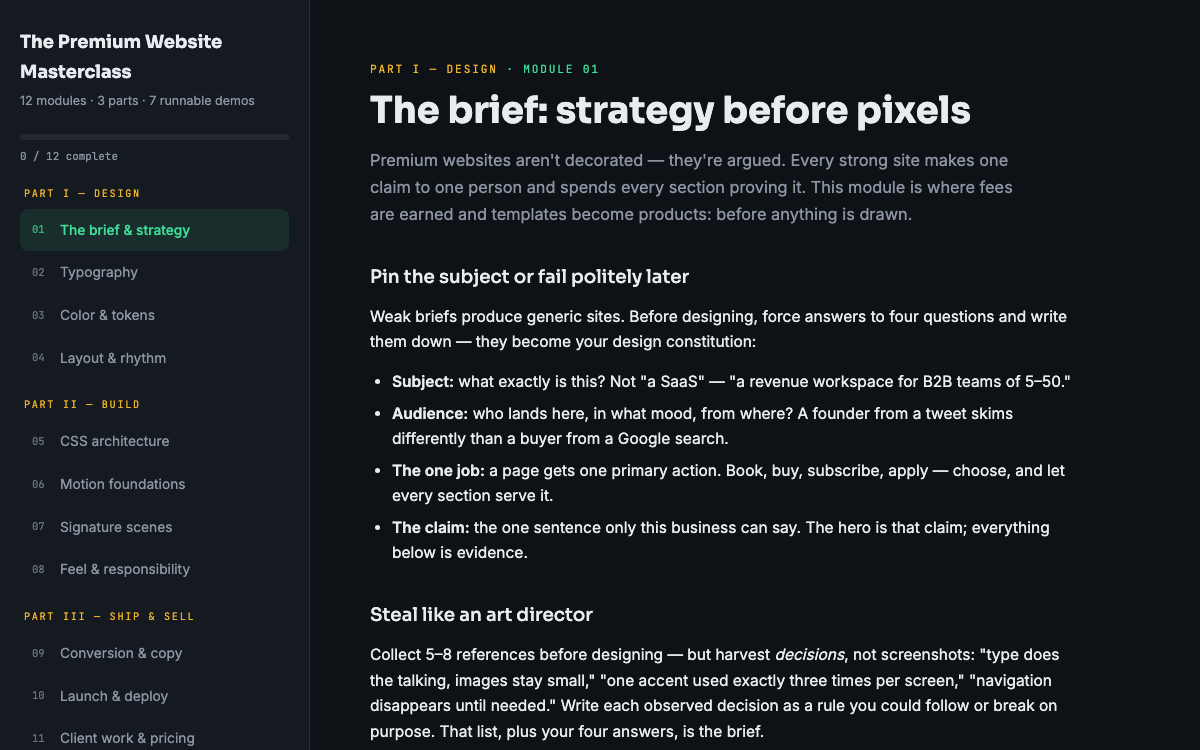 Guide
GuideThe Premium Website Masterclass
Design, build, animate, and sell premium websites - 12 modules, 3 parts, 7 runnable demos.
 SoftwareBeta
QuietScribe (Beta)
Private meeting notes for Mac - transcripts, summaries and action points, processed on your Mac.