
19 July 2026
Website Accessibility Basics Every Builder Should Ship
By Abhishek V K · Founder, DigitalItUp
The short answer
Ship these accessibility basics on every site: text contrast of at least 4.5:1 against its background, alt text on meaningful images (empty alt on decorative ones), full keyboard navigability with visible focus states, real button and link elements instead of clickable divs, labels tied to every form field, and animations wrapped in a prefers-reduced-motion check. These cover the most common barriers, and every one of them is achievable in plain HTML and CSS.
Accessibility has a reputation as a compliance chore, but the basics are neither hard nor expensive - they are mostly using HTML the way it was designed. And every one of these fixes also improves your site for tired users, bright sunlight, slow connections and search engines.
The baseline checklist
- Contrast: 4.5:1 minimum for body text - check your grey-on-grey captions, they are usually the offender
- Alt text: describe meaningful images; use alt="" for decorative ones so screen readers skip them
- Keyboard: tab through your entire site - everything clickable must be reachable and usable
- Focus states: never remove the outline without providing a visible replacement
- Semantic elements: <button> for actions, <a> for navigation - clickable divs are invisible to assistive tech
- Forms: every input gets a <label>; placeholder text is not a label
What about animations?
Motion is an accessibility surface too: vestibular disorders make parallax and large sudden movements genuinely nauseating for some visitors. The fix is one media query - prefers-reduced-motion - that swaps animations for instant or fade-only states when the visitor's OS requests it. GSAP makes this clean with matchMedia, and Scroll Animation Mastery treats reduced-motion fallbacks as a core part of the craft, not an afterthought - every technique in the course ships with its accessible variant.
During the build, not after - retrofitting semantics and focus management is many times the effort of typing the right element first. Add a five-minute pass before every launch: tab through the page, run one contrast check, toggle reduced-motion in your OS and reload. The Pre-Launch Checklist bakes these checks into a repeatable launch routine alongside SEO and performance, so accessibility stops depending on memory.
Put this into practice
All products →The tools and templates behind this guide - instant download, yours forever.
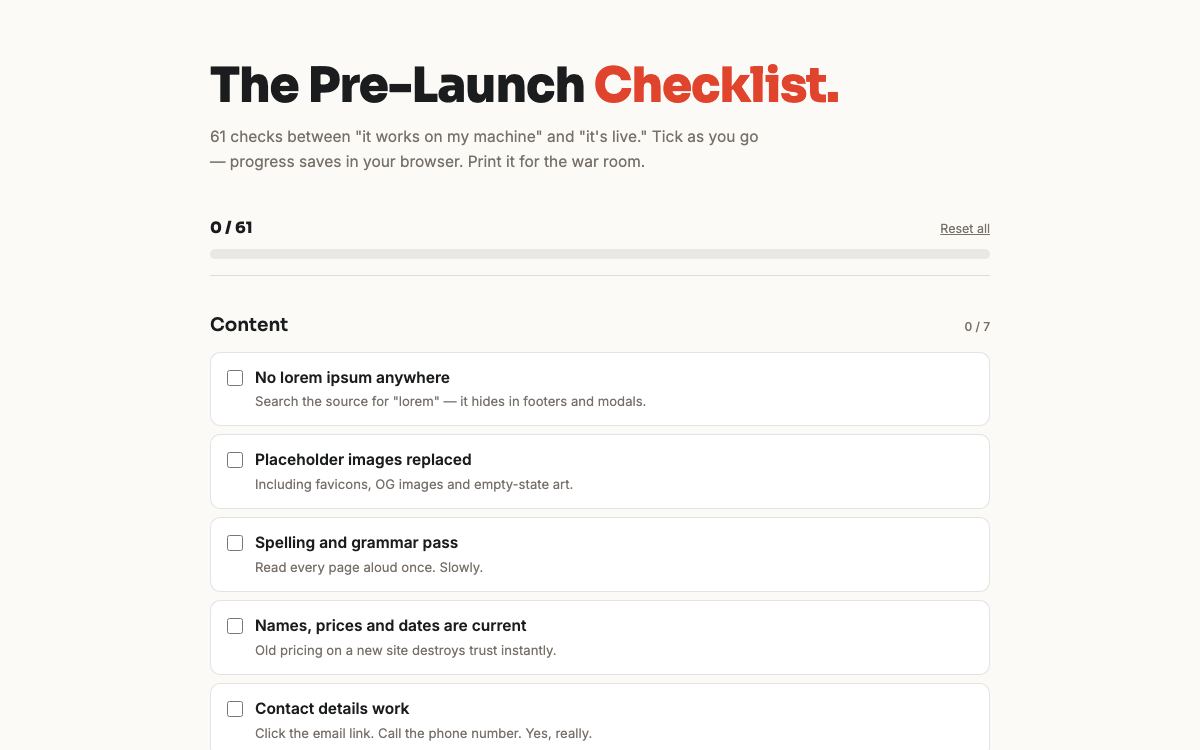 Ebook
EbookThe Pre-Launch Checklist
61 checks between 'it works on my machine' and a launch you're proud of.
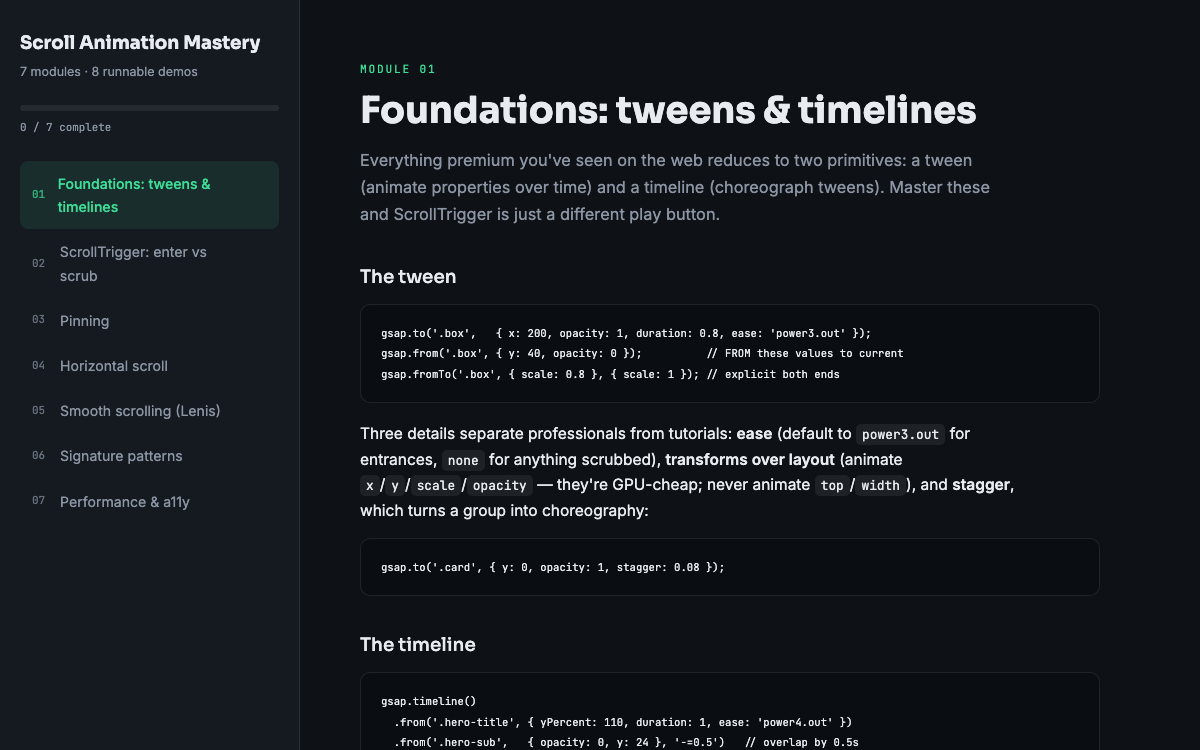 Guide
GuideScroll Animation Mastery
GSAP, ScrollTrigger, and Lenis - the five patterns behind every expensive-looking site.
 SoftwareBeta
QuietScribe (Beta)
Private meeting notes for Mac - transcripts, summaries and action points, processed on your Mac.