
19 July 2026
What Makes a Hero Section Work (With Patterns)
By Abhishek V K · Founder, DigitalItUp
The short answer
A hero section works when it answers 'what is this and why should I care' in about three seconds. It needs four elements: a headline stating the outcome you deliver, a one-line subhead adding specificity, a single primary call to action, and a visual that shows the actual product or work. Common failures: vague headlines ('Welcome to our website'), competing CTAs, and stock imagery that communicates nothing. Clarity converts; cleverness bounces.
The hero is the most expensive real estate on your site - everyone sees it, and most people see only it. Its job is not to impress; it is to orient. A visitor who knows what you do and what to do next will scroll. One who doesn't will leave.
The four non-negotiable elements
- Headline: the outcome, in the customer's words - 'Websites that book you clients', not 'Digital excellence'
- Subhead: one line of specificity - who it's for, what's included, or proof
- One CTA: a single button with a verb; secondary actions become quiet text links
- Honest visual: the product, your work, or your face - never generic stock
Five hero patterns that keep working
- Split: text left, product visual right - the SaaS default because it works
- Full-bleed image with overlay text - restaurants, photographers, hotels
- Big-type editorial: giant headline, minimal imagery - studios and portfolios
- Product-first: the screenshot IS the hero - dashboards and tools
- Video or animated background - events and launches, only if it loads fast
Motion earns attention when it directs the eye - a staggered headline reveal, a product image easing in - and squanders it when it is decoration that delays reading. Animate once, on load, subtly; never make visitors wait to read the headline. The Premium Website Masterclass dedicates a module to hero composition and choreographing exactly this kind of entrance, and Scroll Animation Mastery covers the GSAP techniques for what happens after the visitor starts scrolling. Nail the hero first, though - no scroll effect rescues a page people leave in three seconds.
Put this into practice
All products →The tools and templates behind this guide - instant download, yours forever.
 Guide
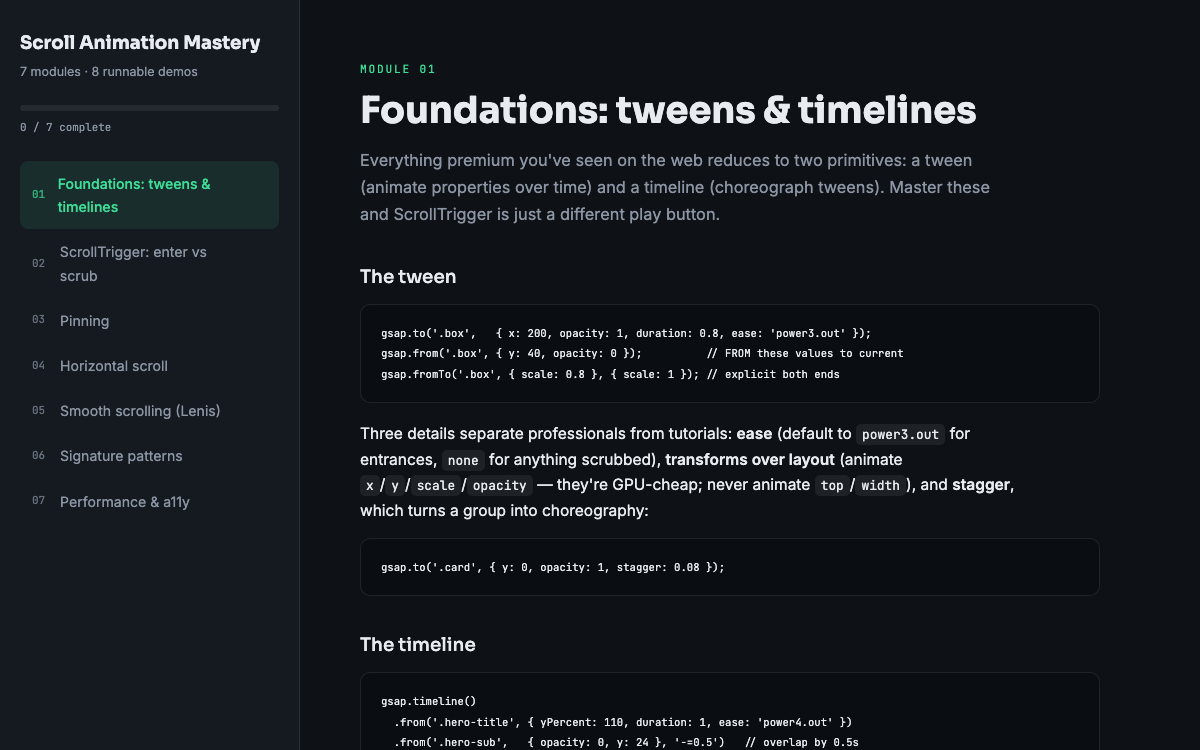
GuideScroll Animation Mastery
GSAP, ScrollTrigger, and Lenis - the five patterns behind every expensive-looking site.
 Guide
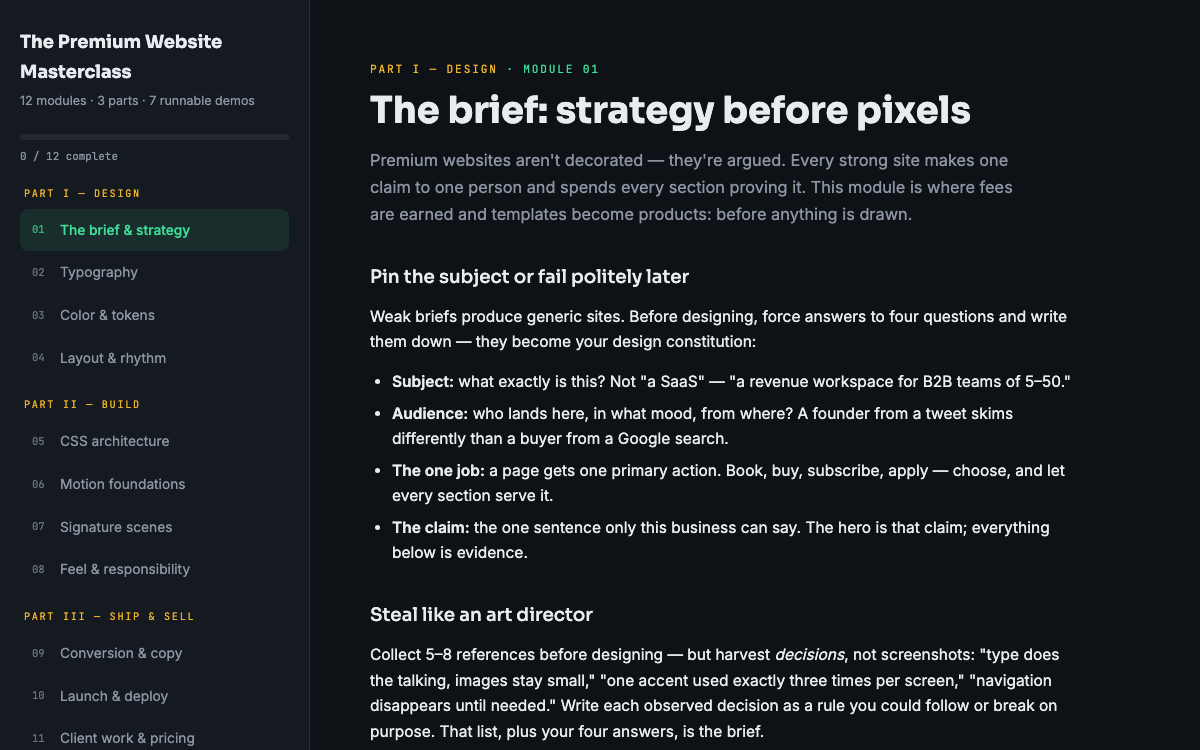
GuideThe Premium Website Masterclass
Design, build, animate, and sell premium websites - 12 modules, 3 parts, 7 runnable demos.
 SoftwareBeta
QuietScribe (Beta)
Private meeting notes for Mac - transcripts, summaries and action points, processed on your Mac.