
19 July 2026
Website Preloaders: When They Help and When They Hurt
By Abhishek V K · Founder, DigitalItUp
The short answer
A preloader helps when a site genuinely needs hero assets, such as large images, custom fonts, or video, ready before first paint, and it doubles as a branded opening moment. It hurts when it adds artificial delay to a page that would have rendered instantly. Keep forced waiting under roughly one second, animate the exit quickly, skip it for returning visitors using sessionStorage, and never fake a progress bar.
Preloaders are polarizing because most of them are lies: a fake counter running over a page that finished loading long ago. Used honestly, though, a preloader solves a real problem: the ugly flash of unstyled, half-loaded content on image-heavy sites.
When a preloader is justified
- The hero depends on a large image or video that would otherwise pop in late.
- Custom display fonts would cause a visible swap right in the headline.
- The opening animation needs a controlled starting state, with elements hidden before the reveal.
In these cases the preloader is doing work: it holds a clean curtain until the page can make a proper first impression, then hands off into the entrance animation.
The rules that keep it from hurting
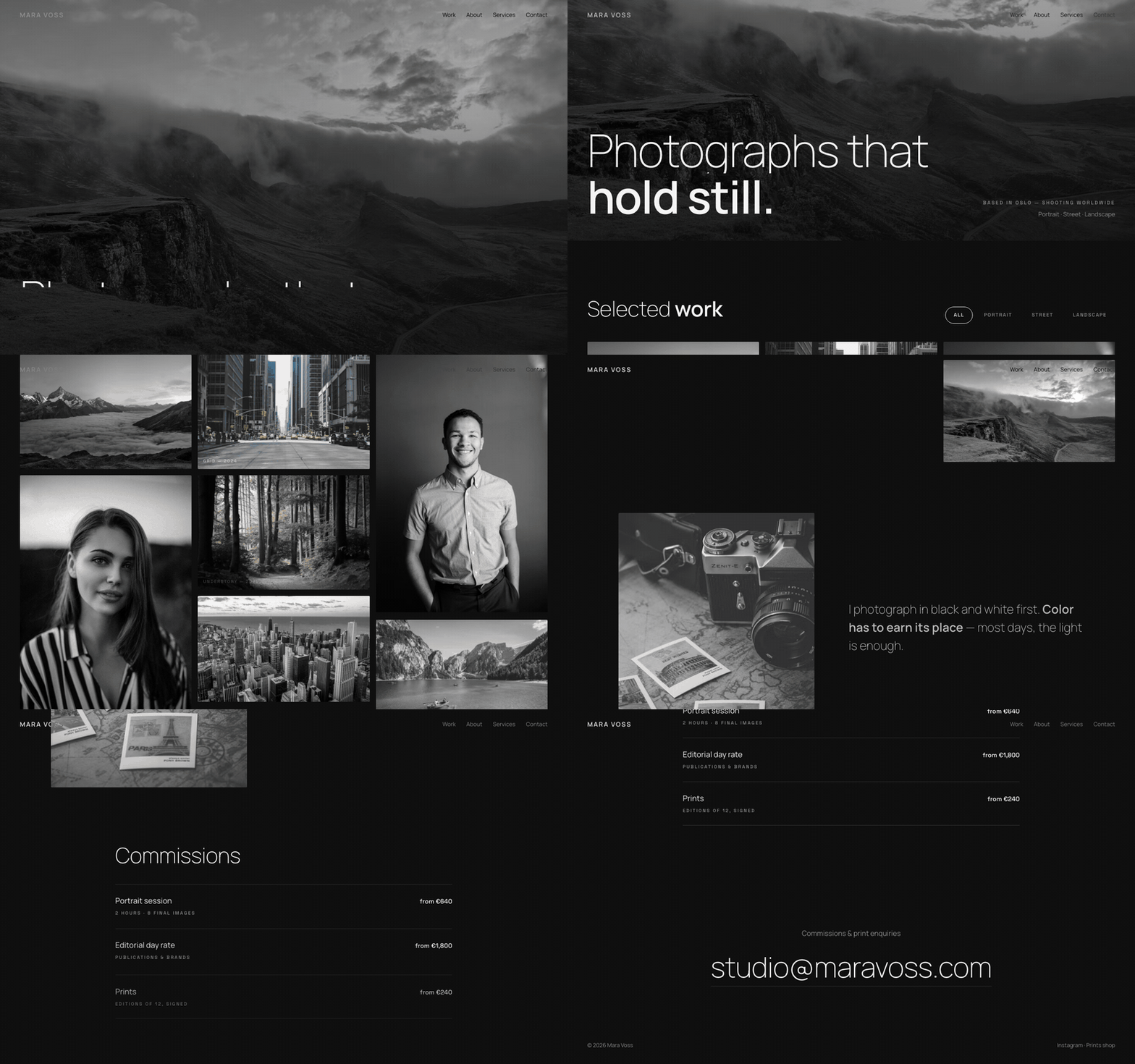
Tie it to real loading events, not a timer. Cap the wait; if assets are ready in 300ms, do not stretch the show to three seconds. Store a flag in sessionStorage and skip the preloader on subsequent pages and visits. Keep the exit fast, ideally a single sweep or fade of under a second, and start rendering content behind it before it fully clears. The best implementations chain the preloader exit directly into the hero reveal on one GSAP timeline, which is how the Grain photographer template handles its image-heavy opening. The full pattern, from load detection to the handoff timeline, is taught in Premium Website Masterclass as part of building a complete site opening. The honest test before shipping one: throttle your connection, load the page cold, and ask whether the preloader made that experience better or just longer.
Put this into practice
All products →The tools and templates behind this guide - instant download, yours forever.
 Template
Grain - Photographer Portfolio Template
A photographer portfolio with a keyboard-navigable lightbox.
 Guide
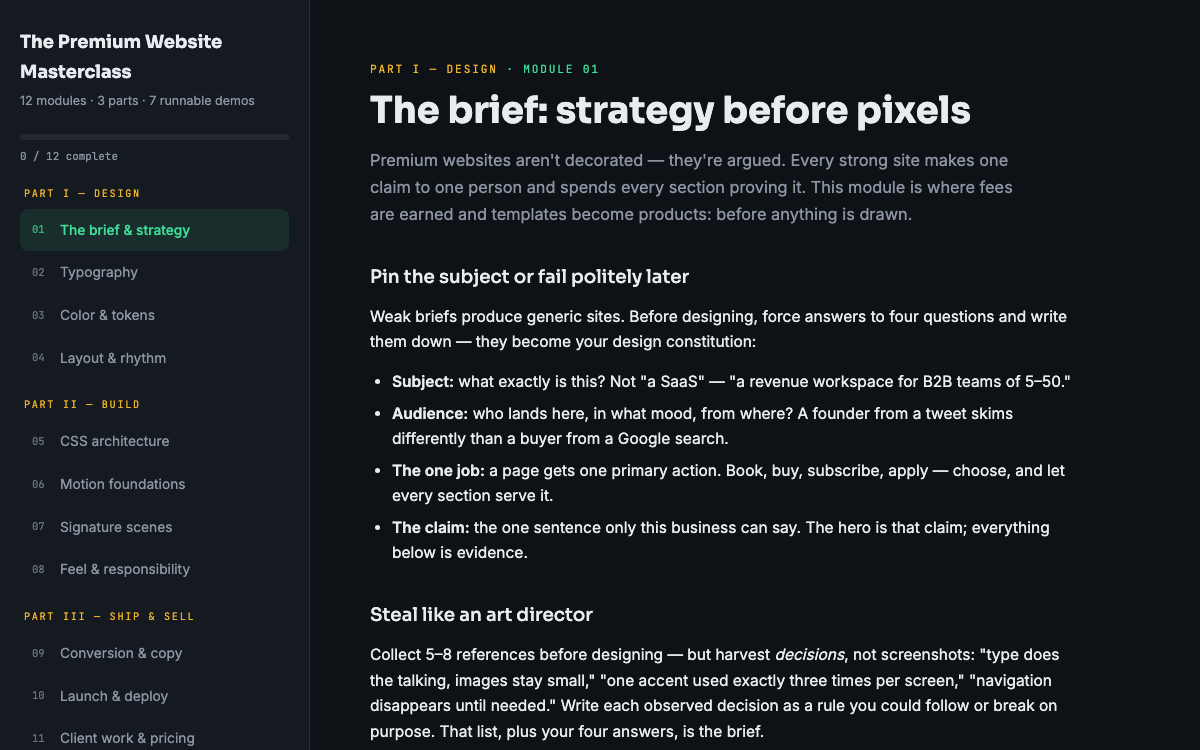
GuideThe Premium Website Masterclass
Design, build, animate, and sell premium websites - 12 modules, 3 parts, 7 runnable demos.
 SoftwareBeta
QuietScribe (Beta)
Private meeting notes for Mac - transcripts, summaries and action points, processed on your Mac.