
19 July 2026
Website Typography: A Practical Font Pairing Guide
By Abhishek V K · Founder, DigitalItUp
The short answer
Practical website typography: use exactly two fonts - one for headings, one for body - with clear contrast between them (a serif with a sans, or a bold display with a neutral sans). Set body text at 16–18px with line height around 1.5–1.6, headings tighter at 1.1–1.2. Keep line length between 60–75 characters. When unsure, one versatile family like Inter in different weights beats a bad pairing every time.
Typography is most of web design - the majority of any page is text. Get type right and a plain layout looks intentional; get it wrong and no amount of animation saves it. The good news: a small set of rules covers nearly every case.
The pairing rules
- Two fonts maximum: display for headings, workhorse for body
- Pair by contrast, not similarity: serif + sans, or expressive display + neutral sans
- Never pair two similar sans-serifs - it reads as a mistake, not a choice
- Safe formulas: Playfair Display + Inter (elegant), Space Grotesk + Inter (tech), Fraunces + work sans body (editorial), single-family Inter at varied weights (always safe)
The numbers that make text readable
- Body: 16–18px, line height 1.5–1.6
- Headings: line height 1.1–1.2 - big text with body line-height looks broken
- Line length: 60–75 characters; set a max-width of roughly 65ch on paragraphs
- Type scale: pick a ratio (1.25 is safe) and derive every size from it instead of eyeballing
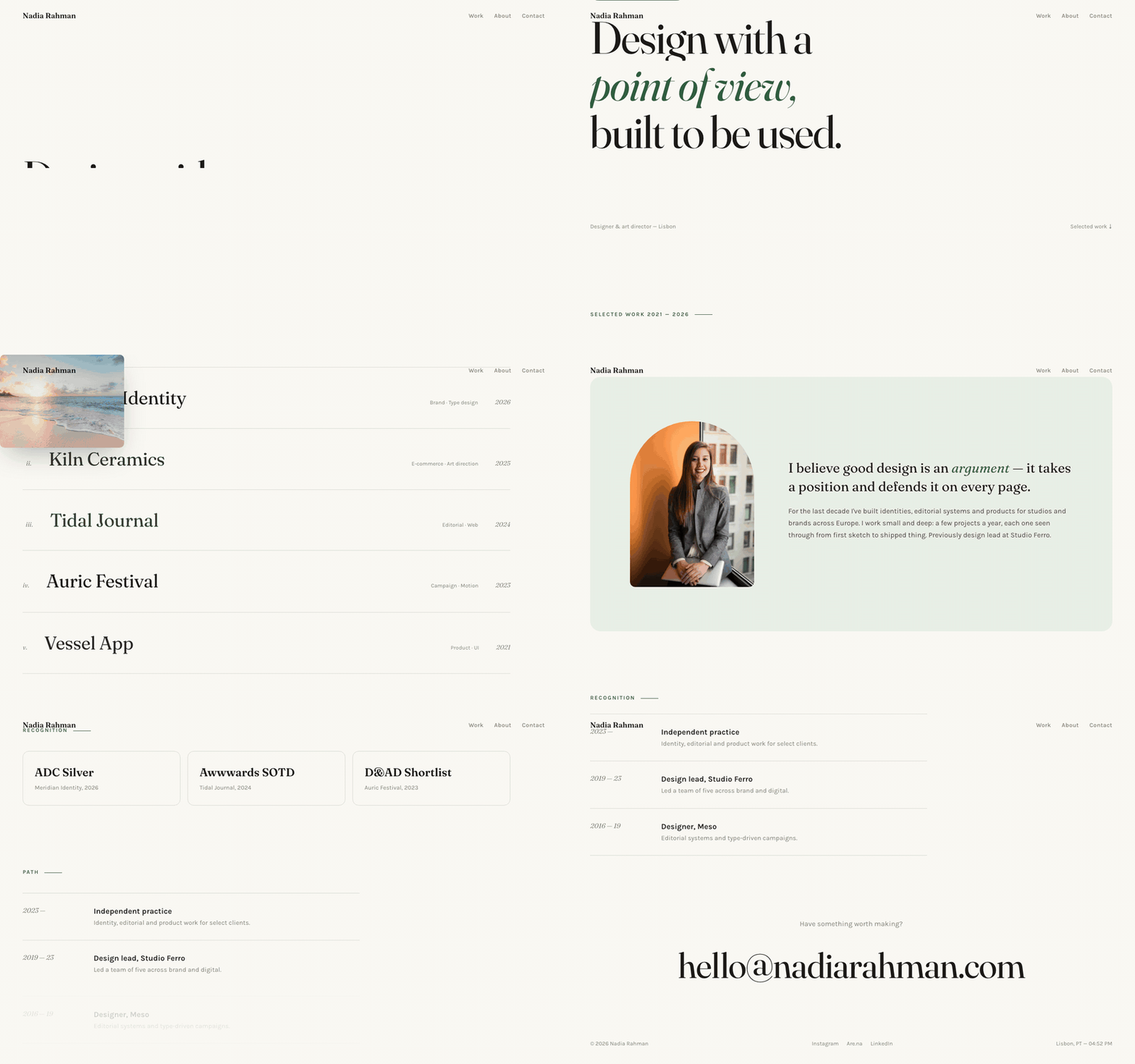
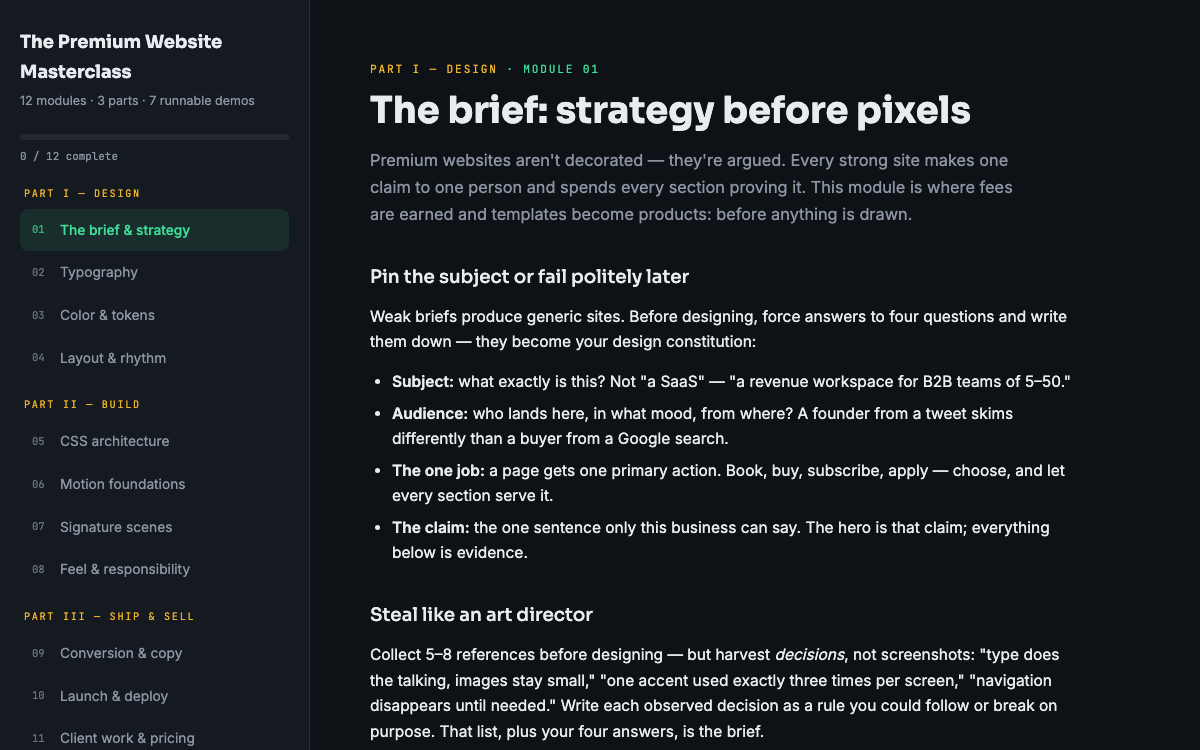
Rules get you to competent; deliberate practice gets you to good. Recreate the type systems of sites you admire and note the decisions - sizes, spacing, where they break their own rules. The Premium Website Masterclass spends a full module building typography systems this way, from choosing families to setting a scale you can reuse across projects. And studying a professionally-set template like the Aster portfolio template - where the type hierarchy is doing most of the design - is faster than reading ten more theory articles. Open the file, find the type scale, and trace how every size on the page derives from it.
Put this into practice
All products →The tools and templates behind this guide - instant download, yours forever.
 Template
Aster - Editorial Portfolio Template
An editorial portfolio with cursor-following project previews.
 Guide
GuideThe Premium Website Masterclass
Design, build, animate, and sell premium websites - 12 modules, 3 parts, 7 runnable demos.
 SoftwareBeta
QuietScribe (Beta)
Private meeting notes for Mac - transcripts, summaries and action points, processed on your Mac.